

Choosing the right team collaboration tools is rarely about adding another app. It's about deciding where your remote AI team keeps context, how fast engineers can ship without waiting on meetings, and how much operational risk you're willing to carry when chats, docs, tasks, and calls live in separate places. That matters more now because collaboration software has grown into a durable enterprise category, with market estimates showing continued expansion through 2026 and beyond, not a temporary remote-work spike, and enterprises already use collaboration apps at very high rates as summarized here and here.
For a founder or CTO, the question isn't “What's the best tool?” It's “What stack keeps a distributed AI team moving when model work, product work, and incident response all happen at once?” If you're hiring across time zones, you need tools that fit async handoffs, preserve decisions, and integrate cleanly with GitHub, cloud security, and project systems. A stack that looks simple in a demo can become expensive friction once your engineers are juggling prompts, experiments, reviews, and launches.
Practical rule: pick one primary place for chat, one for docs, one for work tracking, and one for code. Anything beyond that should earn its place by removing context switching, not by looking impressive in procurement.
For teams that want a broader remote-work reference point, this SwiftNet Wifi productivity guide is a useful complement. For AI startups, though, the list below focuses on what survives daily use, security review, and developer scrutiny.
TL;DR
- Slack is the best default if your AI team lives in GitHub, Jira, Datadog, and on-call workflows, because its integration ecosystem and channel model fit fast engineering teams well.
- Microsoft Teams makes the most sense if your company already runs on Microsoft 365 and wants governance, identity, and file collaboration in one environment.
- Google Workspace is strongest for browser-first async work, especially when specs, docs, and reviews need to move quickly across time zones.
- Notion and Confluence solve different documentation problems. Notion is better for flexible startup knowledge bases, while Confluence is better for structured engineering records and Jira-connected process.
- Asana, ClickUp, and monday.com are work management tools, but they differ in how much structure they impose. Asana is usually the cleanest choice for cross-functional coordination.
- Miro is the safest bet for remote workshops, architecture mapping, and product discovery. It's not a replacement for task tracking.
- GitHub is essential for AI and ML engineering teams because code review, protected branches, CI/CD, and security controls belong where the code lives.
- For a remote AI startup, the best stack is usually one communication hub, one documentation home, one task system, one whiteboard, and GitHub as the engineering source of truth.
- Tool sprawl is the enemy. Zoom data says workers using more than 10 apps report communication issues at a higher rate, 54%, than those using fewer than five apps, 34% according to Zoom's workplace collaboration statistics.
Who this is for
This guide is for founders, CTOs, and engineering leaders running remote-first AI teams that need more than casual chat. If your team builds LLM features, model pipelines, data tooling, or AI products across multiple time zones, your collaboration stack has to support code review, incident response, async decisions, and cross-functional planning without forcing everyone into the same meeting.
It's also for procurement and talent leaders who need a practical view of vendor trade-offs. A tool can be beloved by designers and still frustrate engineers if it doesn't fit security, SSO, admin controls, or workflow automation.
The most important audience is the one sitting in the middle of all this, the CTO or Head of Engineering. You're expected to balance speed, governance, and developer experience, often while the team is still small enough to feel every bad tool choice. That's why the best decision is rarely a single platform. It's usually a stack that reflects how your team really works, whether that means messaging-first, docs-first, or workflow-first coordination.
Quick framework for choosing the stack
Start by deciding which collaboration mode dominates your company.
If your team ships fast and spends all day in code, Slack plus GitHub plus a lightweight task layer is often enough early on. If your team writes a lot, works asynchronously, or hires across time zones, Google Workspace or Notion usually deserves more weight. If your org has heavier compliance or already standardizes on Microsoft, Teams and the Microsoft 365 ecosystem can reduce integration headaches later.
Start with the fewest tools that still preserve context.
If engineers must re-explain decisions in three different places, the stack is already too fragmented.
A practical decision sequence works well:
- Pick the communication hub. Slack for engineering-heavy startups, Teams for Microsoft-standardized orgs, Google Chat if you're already deep in Workspace.
- Pick the engineering source of truth. For AI teams, that's usually GitHub.
- Pick the documentation home. Notion for flexibility, Confluence for structure.
- Pick the execution layer. Asana, ClickUp, or monday.com depending on how much process you want.
- Add a visual workshop tool. Miro when you need architecture maps, roadmap sessions, or whiteboard-heavy product work.
A good rule is to ask whether a new tool changes behavior or just adds another place to look. If it doesn't change behavior, don't adopt it.
1. Slack
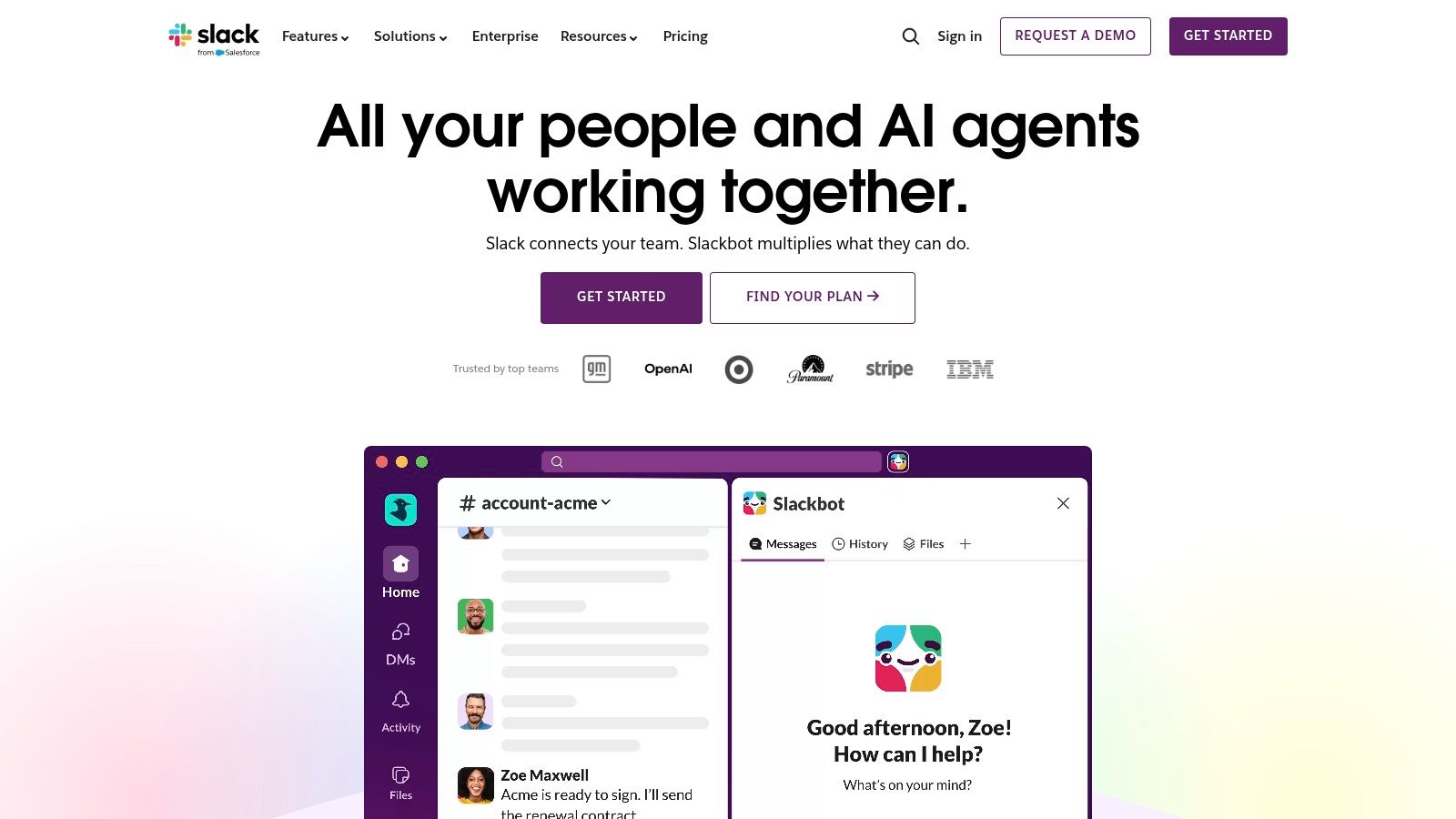
A remote AI team usually feels Slack's value on day one. It matches how engineers, researchers, and operators already coordinate, with channels for projects, incidents, customers, and squads. Its integration depth is why it stays in the stack, especially for teams wiring together GitHub, Jira, PagerDuty, and Datadog. Slack says it has 2,600+ integrations on its site, which is enough to make it the default communication hub for a team that lives in tools on Slack's website.
Where Slack works well
Slack is strongest when an AI startup needs fast coordination plus high-signal integrations. CI alerts, deployment notices, incident updates, and on-call handoffs can all land in the right channels without custom glue code. Workflow Builder also helps route repetitive tasks, which matters when product, data, and ML teams share the same workspace.
For remote-first teams, the primary benefit is context. Decisions stay near the code, the incident, or the customer thread instead of getting scattered across email and docs. If you want a practical checklist for keeping that discipline in place, see our guide to remote-team best practices.
A sane setup is still simple: one channel per purpose, and one owner for each important channel. #eng-ml, #incidents, and #launch-ai-search are fine. A dozen overlapping channels for the same project are not.
Where Slack breaks down
Slack gets noisy quickly when nobody owns naming conventions or notification rules. That noise is not just annoying, because every extra alert pulls attention away from code review, model work, and design decisions. Slack also expects the team to stay disciplined, so it works best when leaders model async behavior and do not treat every thread like a live meeting.
If your team uses Slack as a meeting replacement, it turns into inbox anxiety.
If you use it as a routing layer, it stays useful.
Security and compliance are credible, but the operational controls matter more as you move into higher-tier plans. For startups, the trade-off is straightforward. You get a familiar UX and a deep ecosystem, but the workspace needs strong channel norms or it turns into a firehose. If procurement starts asking about expansion cost, review Slack enterprise pricing for startups before you standardize on it.
2. Microsoft Teams
Microsoft Teams is the strongest choice when your company already lives inside Microsoft 365. Chat, meetings, files, and office documents stay tied to the same identity and admin layer, which makes life easier for IT, security, and procurement. Microsoft's own collaboration framing is about unifying communication, file sharing, project management, and decision-making across locations and time zones on Microsoft's collaboration page.
Why Teams fits enterprise-heavy AI orgs
Teams works well for security-conscious organizations because identity, retention, and eDiscovery sit close to the communication layer. If your AI startup is already using SharePoint, OneDrive, Outlook, and Entra ID, Teams reduces the number of places administrators have to govern.
That matters when you're handling customer data, internal model artifacts, or regulated workflows. You don't want chat in one place, files in another, and permissions managed by tribal knowledge.
Where it feels heavier than Slack
Teams can feel heavier in daily use. The interface is less chat-native, and the licensing story can get messy when you start comparing suite bundles, Premium features, and standalone needs. Engineers who live in terminal windows and GitHub often prefer Slack's lighter flow unless Microsoft is already the corporate baseline.
If you're deciding between Slack and Teams for a remote AI team, the honest test is this. Are you optimizing for developer happiness and integration speed, or for organizational standardization and governance? Teams wins the second category more often than the first.
3. Zoom Workplace
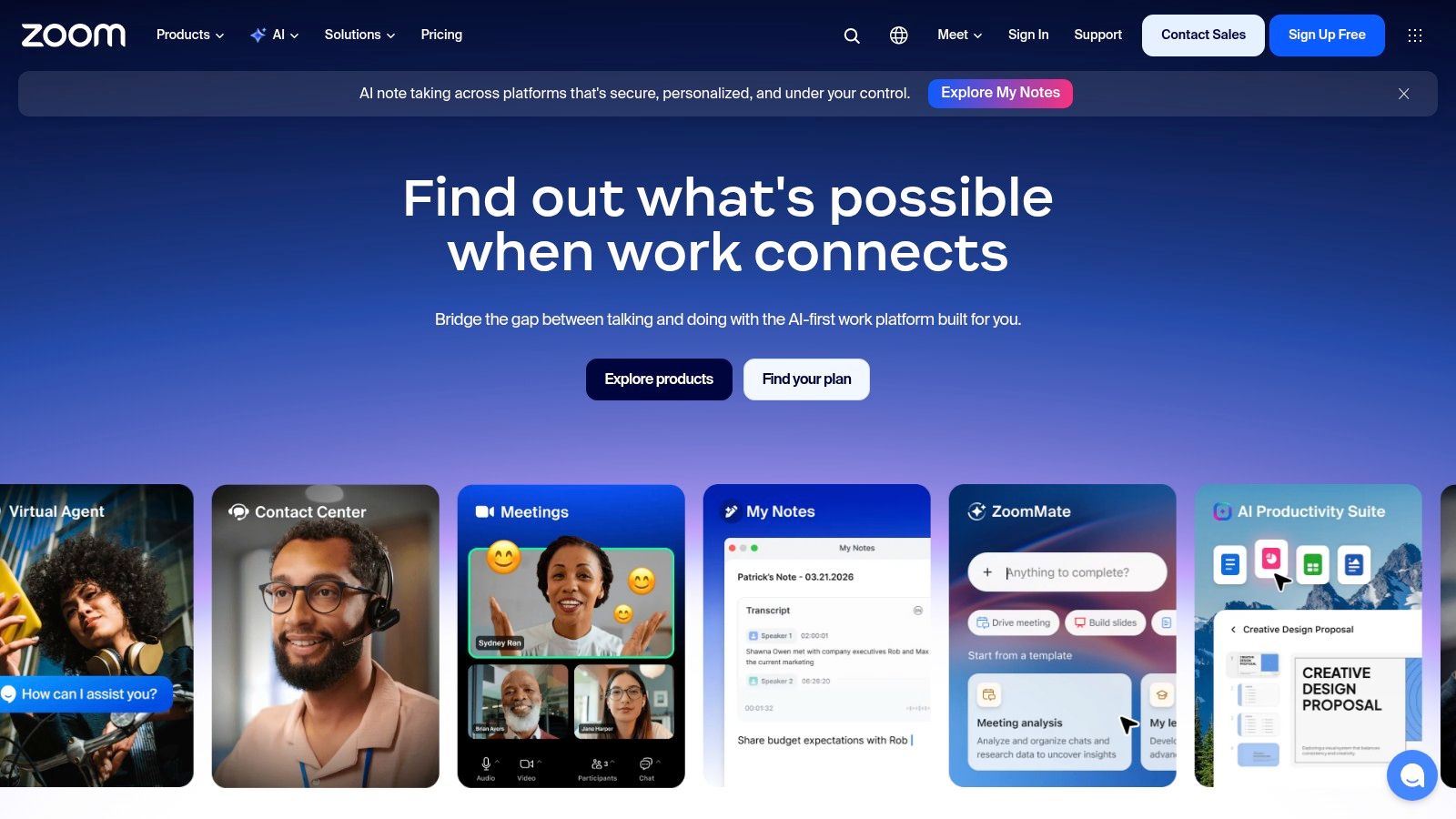
Zoom Workplace is still the safest pick when synchronous communication has to work the first time, every time. For distributed AI teams, that reliability matters during customer demos, incident reviews, investor meetings, and cross-functional launches. Zoom's collaboration product now extends beyond video into chat, whiteboards, phone, and cloud recording, which makes it more useful than a standalone meeting app on Zoom's site.
The practical upside
Zoom is easy for external stakeholders to join, which still matters more than many SaaS teams admit. Your customers, advisors, and contractors don't need a long onboarding process just to attend a review. That low-friction entry point is a real business advantage when you're moving quickly.
It also makes sense when you need dependable webinars, breakout rooms, or polished client-facing sessions. In those moments, reliability matters more than feature density.
The trade-off
Zoom can become a procurement tangle if your company starts stacking add-ons for webinars, phone, events, and meeting capacity. That's not just an admin problem. It affects budget visibility and makes the collaboration stack harder to explain to new hires.
Zoom's workplace collaboration data also highlights the productivity cost of sprawl. Workers using more than 10 apps report communication issues at 54%, compared with 34% for those using fewer than five apps in Zoom's 2025 statistics. That's a strong reason to keep Zoom focused on meetings and not turn it into the center of everything.
4. Google Workspace
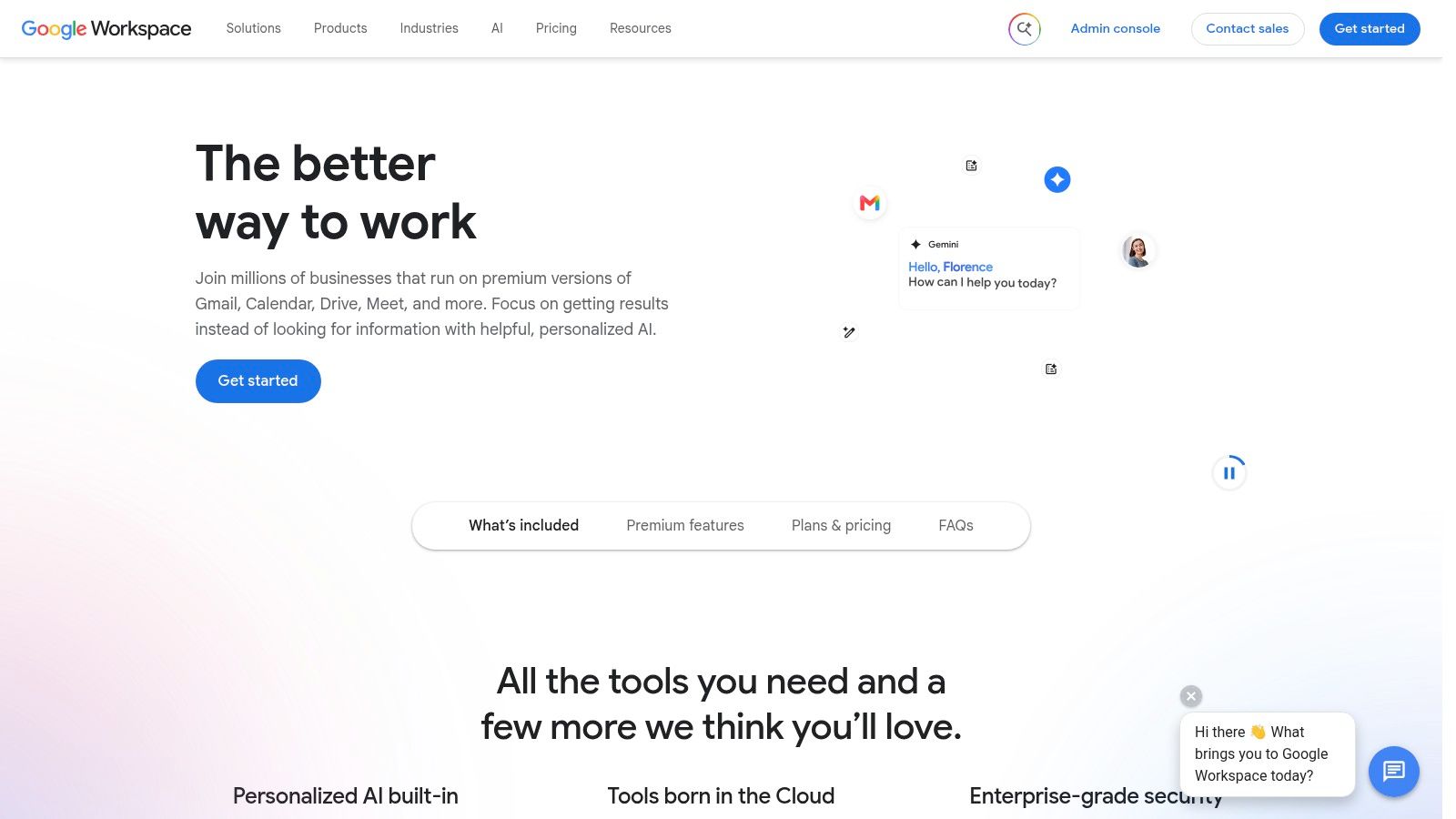
Google Workspace works best for remote teams that want documents, email, calendar, chat, and meetings to live in one browser-first environment. For AI startups, that matters when product specs, model review notes, and stakeholder feedback need to move quickly without versioning chaos. The suite is built around real-time co-editing in Docs, Sheets, and Slides, and Google positions it as a fully integrated productivity stack on Workspace's site.
Why startups like it
Workspace is strong when your team collaborates externally as often as it collaborates internally. Shared links, comments, and browser-native editing remove a lot of friction for contractors, advisors, and customers. That's useful for AI startups shipping docs, evaluation plans, or launch collateral across multiple functions.
The platform also supports a simpler IT model for early teams. Fewer desktop dependencies usually means fewer onboarding surprises.
Where it becomes limiting
Advanced security and governance features sit higher in the stack, so a growing company may outgrow the basic plan sooner than expected. Teams that are heavily standardized on Microsoft also face change management if they switch.
The decision point is less about document quality and more about operating style. If your team wants fast, shared editing and async comments, Workspace is hard to beat. If your company wants stricter governance tied to enterprise infrastructure, the trade-off changes.
5. Notion
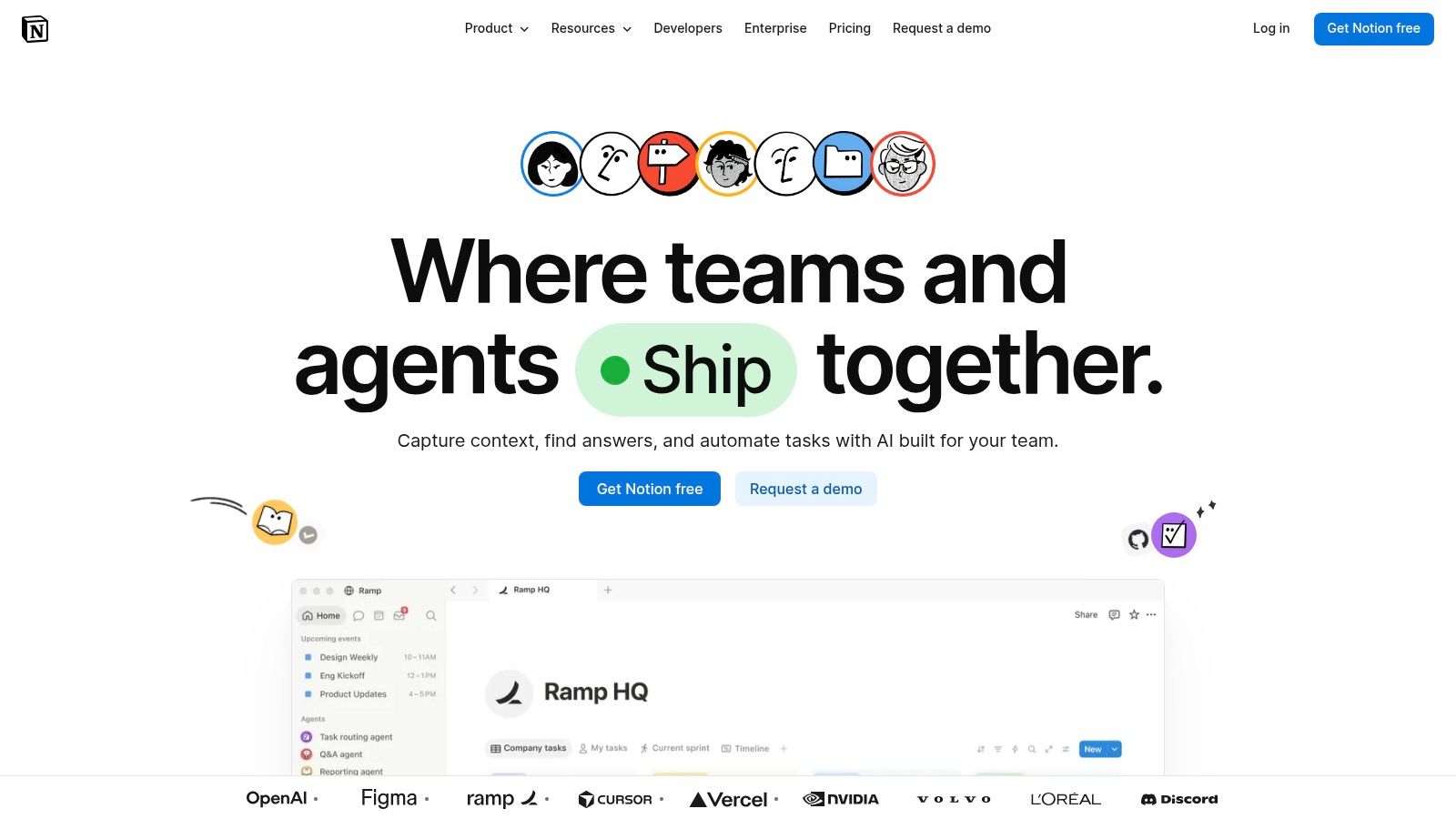
Notion is the best fit when your remote AI team needs one flexible home for docs, notes, wikis, project briefs, and lightweight databases. It can become the place where model experiment logs, onboarding docs, research notes, and product specs live together. Notion's flexibility is its strength, and its weakness, because the same blank canvas that helps startups move quickly can also become a dumping ground if nobody owns structure on Notion's site.
Why it works for AI startups
Notion is especially good for teams that need a team brain without a heavy admin burden. You can build pages, databases, relations, and views that suit your workflow instead of forcing your workflow into the tool. That's useful when your team is still evolving and you don't want a rigid process tool too early.
It also supports a cleaner knowledge capture pattern than scattered docs in chat or email. New hires can find context faster if you maintain templates and a clear taxonomy.
Where it goes wrong
Notion needs governance. If every team creates its own naming conventions and page hierarchies, search stops helping and nobody trusts the workspace. It's also easy to overuse Notion for task management when a proper work tracker would be better.
Use Notion for durable knowledge, not for pretending every task is a document.
The teams that win with Notion usually treat it as a library, not a junk drawer.
6. Atlassian Confluence
Confluence is the more structured documentation choice for engineering-led organizations that already use Jira or expect their docs to live alongside tickets, specs, and postmortems. It is built for long-lived knowledge, permissions, and traceability, which makes it a strong fit for engineering processes and compliance-heavy environments on Atlassian's Confluence page.
Where Confluence earns its place
If your team writes RFCs, architecture decision records, onboarding guides, and incident retrospectives, Confluence gives those artifacts more structure than a free-form doc system. That structure helps when you need auditability, permissions, and a durable history of why decisions were made.
It also plays nicely with Jira, which is a major plus for engineering organizations that want issue context embedded directly in documentation. That reduces the odds that specs and tickets drift apart.
What to watch
Confluence can feel heavier than Notion. The UX rewards teams that like formal structure, but it can slow down casual note-taking or lightweight brainstorming.
It's a better fit for organizations that value process consistency over startup flexibility. If your team is still changing shape every quarter, Confluence can feel like more ceremony than necessary.
For teams that struggle with ownership, this remote team management guide is a useful adjacent read, especially if documentation is already drifting between people and tools.
7. Asana
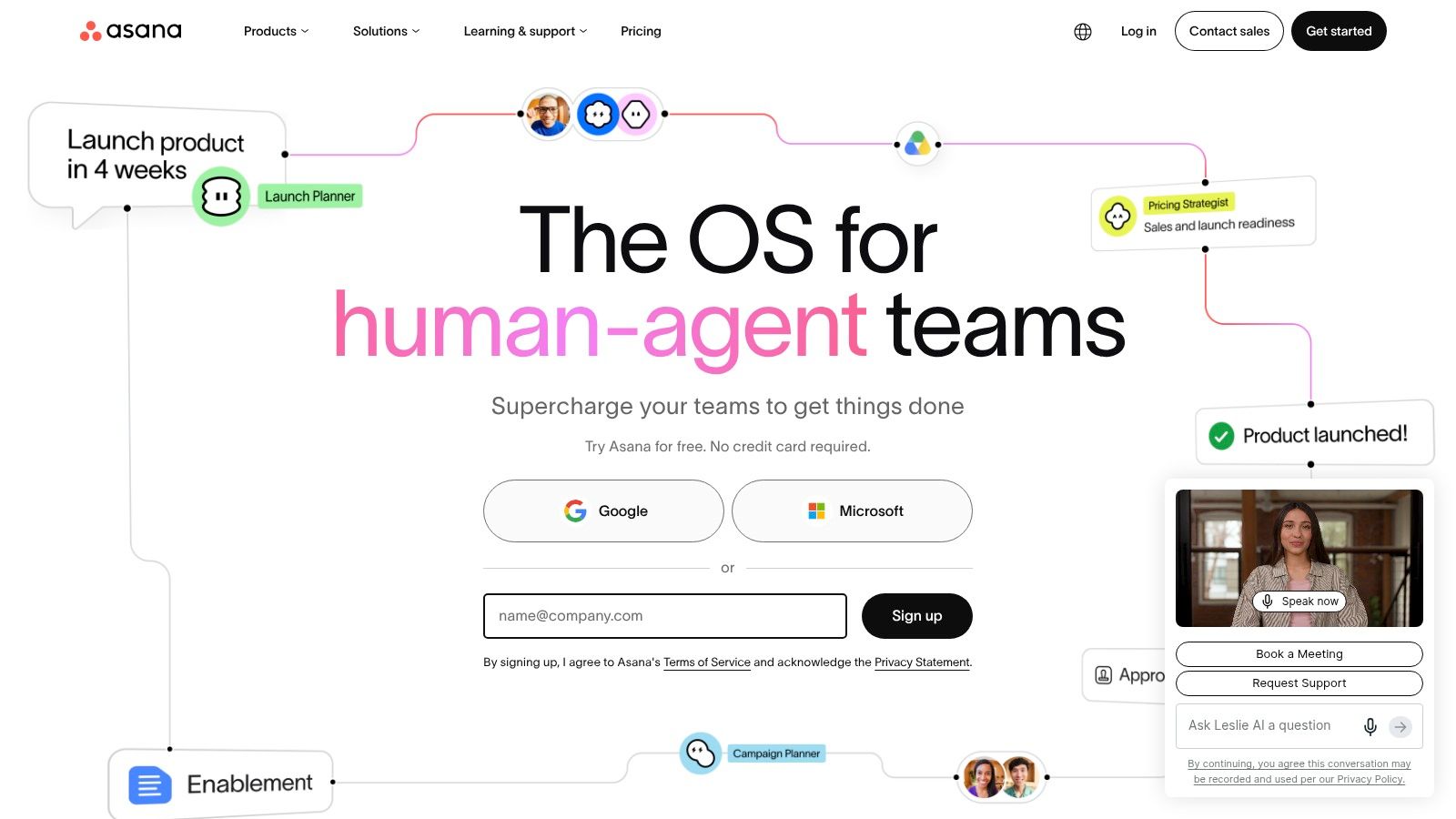
Asana is the clearest choice when your AI product work has to stay visible across engineering, product, design, and go-to-market. It gives you a place to define tasks, dependencies, goals, and portfolios without forcing everyone into a dev-only mindset on Asana's site.
Why teams adopt it fast
Asana's advantage is adoption. Non-technical teams usually understand it faster than more engineering-centric tools, which is valuable when product managers, marketers, and ops people all need to see the same roadmap. The multiple views, list, board, timeline, calendar, workload, make it easier to adapt to different planning styles.
For remote AI teams, that means model launches, experiments, and customer-facing deliverables can live in one execution layer instead of being tracked in three separate systems.
Where it falls short
Asana is not a code collaboration tool. Engineers may still prefer GitHub issues, Linear, or Jira for sprint work, especially if they want tighter control over dev workflows. Asana shines when you need cross-functional clarity more than technical execution detail.
It also gets more powerful as teams embrace it consistently. If only half the company uses it, the tool becomes a reporting island instead of a source of truth.
For execution-heavy teams, this project management guide for software engineering pairs well with Asana's strengths.
8. ClickUp
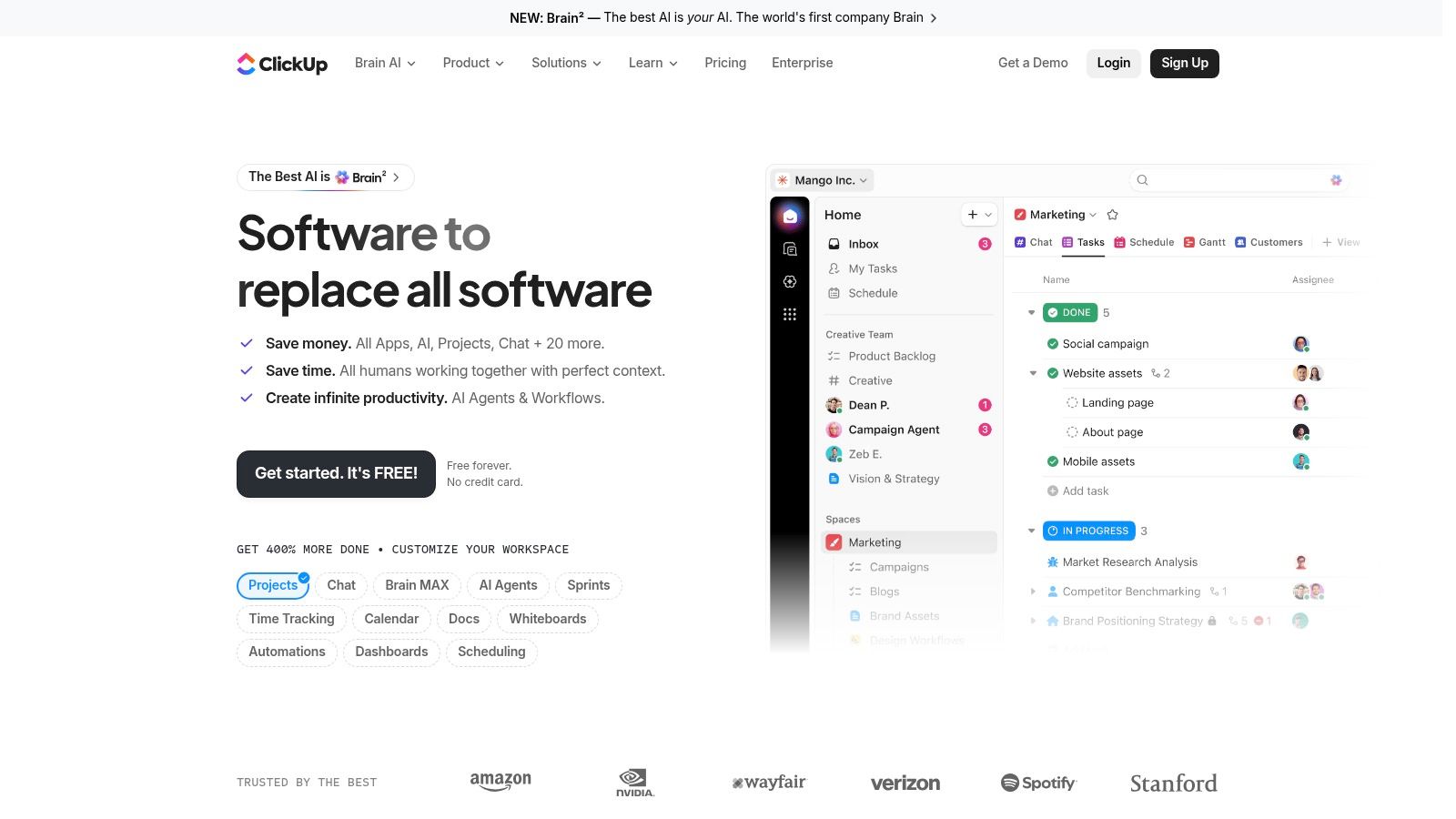
ClickUp is attractive when you want broad functionality in one place and you're willing to manage complexity. It combines tasks, docs, whiteboards, goals, dashboards, and automation into a single system, which can reduce subscription sprawl for early-stage startups on ClickUp's site.
Why founders consider it
For a lean AI startup, ClickUp can be appealing because it tries to replace several point tools at once. Tasks, docs, and dashboards in one system means fewer handoffs between apps, and its automation depth can help teams that repeat the same launch or research workflows.
That makes it a strong candidate if you're still shaping your operating model and want flexibility without paying for multiple separate subscriptions.
Where it gets messy
ClickUp's feature density is also its biggest problem. Without a strong information architecture, the workspace can become cluttered fast. New users often need more guidance than they expect, and that hurts adoption if you want engineers to use it willingly.
The best ClickUp setups are opinionated. You should define spaces, naming rules, and ownership upfront, or the platform becomes a maze.
9. Miro
Miro is the right tool when remote AI teams need to think visually. Product discovery, system design, customer journey mapping, and workshop facilitation all work better on an infinite canvas than in a text doc. Miro positions itself around collaborative whiteboarding with templates, live cursors, voting, timers, and enterprise controls on Miro's site.
Why it's valuable for AI teams
Miro helps when the conversation needs to become a shared artifact. That's common in AI startups during architecture planning, prompt design sessions, customer journey mapping, and roadmap reviews. It's especially useful when product, design, and engineering need to align quickly without turning every discussion into a meeting recap.
The template library also matters. It reduces setup time for recurring rituals like retrospectives or planning workshops.
The downside
Heavy boards can become slow, especially on lower-end machines. That matters in distributed teams where everyone's hardware is different. Governance also becomes more important as the org grows, because a board full of scattered sticky notes is just another version of chaos if nobody owns it.
Miro is best when used as a collaborative thinking layer, not as a substitute for your task tracker or documentation home.
Use Miro to create alignment, then move decisions into your execution system.
If the board stays alive forever, the workflow is probably broken.
10. GitHub
GitHub is the engineering source of truth for remote AI teams. Code review, protected branches, CI/CD, secrets, packages, environments, and security scanning belong here, not in a general collaboration app. GitHub also connects into AI-assisted development through Copilot and GitHub Models, which makes it especially relevant for modern engineering workflows on GitHub.
Why it should anchor the stack
For remote AI startups, GitHub is where work becomes auditable. That holds whether the team is shipping application code, infrastructure, model evaluation pipelines, or data tooling. Its protections, review flows, and automation give you a place to enforce engineering standards without relying on people to remember every rule.
It also sits well beside the rest of the stack. Slack can notify the right people, Asana can track the broader launch plan, and GitHub still keeps the code, checks, and review history in one place.
For teams that care about compliance and finance as much as delivery, keep the operational record close to the work. If you need Australian R&D accounting tips, see this guide.
What it doesn't solve
GitHub is not a strong home for non-engineering collaboration. Product managers and ops leaders usually need something easier for planning, cross-functional status, and decisions that do not belong in pull requests. That makes GitHub the technical system of record, not the place to run every discussion.
For a growing remote team, the practical setup is to keep GitHub as the development source of truth and connect it to the broader collaboration layer. That gives engineers a clean workflow while the rest of the company stays visible in tools built for planning, docs, and coordination.
Top 10 Team Collaboration Tools: Feature Comparison
| Tool | Core features | UX / Quality | Value / Price | Target audience | Unique selling points |
|---|---|---|---|---|---|
| Slack | Channels, huddles, search, Workflow Builder, 2,600+ integrations | ★★★★☆ fast onboarding; developer-friendly | 💰 Free → Enterprise; analytics on higher tiers | 👥 Fast-moving eng & product teams | ✨ Broad integration ecosystem; 🏆 strong bots & CI/CD support |
| Microsoft Teams | Chat, meetings, phone, integrated with Microsoft 365 | ★★★★☆ integrated Office UX; enterprise-grade | 💰 Bundled with M365; licensing complexity | 👥 Enterprises standardized on Microsoft | ✨ Tight SharePoint/Outlook integration; 🏆 governance & identity |
| Zoom Workplace | HD meetings, breakout rooms, whiteboard, cloud recordings | ★★★★☆ reliable video & external calls | 💰 Base plans + add-ons (webinars/phone) | 👥 Distributed teams needing dependable sync comms | ✨ Searchable transcripts & robust hardware ecosystem; 🏆 stability |
| Google Workspace | Docs/Sheets co-editing, Drive, Chat, Meet, search | ★★★★☆ real-time collaboration; strong mobile support | 💰 Tiered; strong value for external collaboration | 👥 Async-first teams, startups, cross-functional squads | ✨ Live co-editing & version history; 🏆 frictionless external sharing |
| Notion | Pages, databases, templates, API, automation | ★★★★☆ highly customizable UX | 💰 Startup-friendly; some AI features credit-based | 👥 Knowledge-heavy teams, ML runbooks, docs hubs | ✨ Flexible DBs & templates; customizable info architecture |
| Atlassian Confluence | Spaces/pages, templates, permissions, Jira integration | ★★★☆☆ robust for long-lived docs; heavier UI | 💰 Scales with org; analytics & automation on higher tiers | 👥 Engineering orgs needing structured knowledge | ✨ Deep Jira embeds & macros; 🏆 compliance & documentation scale |
| Asana | Tasks, rules, views, portfolios, goals/OKRs | ★★★★☆ intuitive for PMs; leader visibility | 💰 Tiered; advanced automation/reporting paid | 👥 Product & cross-functional teams | ✨ Portfolios & OKR alignment; strong PM workflows |
| ClickUp | Tasks, docs, whiteboards, dashboards, automations | ★★★☆☆ highly configurable; can be complex | 💰 Competitive pricing; can replace multiple tools | 👥 Startups wanting consolidation & configurability | ✨ All-in-one hub; strong feature density |
| Miro | Infinite canvas, templates, live cursors, facilitation tools | ★★★★☆ excellent for workshops; template-rich | 💰 Free→Enterprise; heavy boards may need performance tuning | 👥 Design, product, remote workshop & architecture teams | ✨ Infinite canvas + facilitation features; 🏆 ideal for synchronous workshops |
| GitHub | Repos, code review, Actions CI/CD, security features, Copilot | ★★★★☆ developer-first; scalable | 💰 Free→Enterprise; advanced security/AI add-ons | 👥 Engineering & ML/AI teams | ✨ Integrated CI/CD & Copilot; 🏆 engineering source of truth |
Next Steps Build Your Collaboration Stack
The right collaboration stack gives your remote AI team a real advantage because it lowers friction in the exact places where speed usually disappears, handoffs, meetings, approvals, and context lookup. The market data backs that up. Collaboration tooling is no longer a niche purchase, and enterprises already rely on it heavily, which means your buyers, partners, and hires will expect a mature stack that supports work across time zones, security layers, and multiple functions as noted in the market and adoption data and here.
Start with an audit of your current workflow. Map where decisions are made, where they get lost, and where people keep re-asking the same questions. Then score your top 2 or 3 candidates against four criteria, integration depth, security and admin control, async support, and developer experience.
Use this sequence next.
- Reduce overlap first. If Slack, Teams, and email are all being used for the same decision stream, choose one place for the decision record and move the others to notifications.
- Separate knowledge from execution. Put durable docs in Notion or Confluence, keep tasks in Asana or ClickUp, and leave code in GitHub.
- Test with a real workflow. Run a pilot around one launch, one incident process, or one hiring loop, then see which tool saves time.
A useful pilot for a remote AI startup is to test one communication hub, one docs home, and one execution layer for 2 to 4 weeks. Pay attention to how often engineers have to switch tabs, how quickly a new hire can find context, and whether your leaders can review status without asking for a meeting. Those are the signals that matter more than feature checklists.
If your team needs help building the engineering side of that stack, ThirstySprout can help you hire remote AI engineers who already know how to work inside distributed systems, document decisions, and ship with the tools you choose. The right people make every collaboration tool work better.
If you're building a remote AI team and want operators who can work cleanly across GitHub, Slack, Notion, and your cloud stack, ThirstySprout can help. Visit ThirstySprout to start a pilot and meet vetted remote AI engineers who can slot into your workflow quickly.
Hire from the Top 1% Talent Network
Ready to accelerate your hiring or scale your company with our top-tier technical talent? Let's chat.