

TL;DR
- For large enterprises on a major cloud: Start with the native platform (AWS SageMaker, Google Vertex AI, Azure ML). They offer the best integration for security, data, and MLOps.
- For teams focused on open-source LLMs: Prioritize specialized platforms like Fireworks AI, Together AI, or Replicate for optimized performance and transparent, pay-as-you-go pricing.
- For developers needing a simple, serverless workflow: Use Modal or Baseten to deploy custom models from Python code with minimal infrastructure management and scale-to-zero cost savings.
- For teams with strong Kubernetes skills: Leverage Seldon Core for maximum control over on-premise or multi-cloud deployments, especially in regulated environments.
- Recommended Action: Shortlist two tools that fit your team's skills. Run a 1-week pilot to deploy a simple model and measure the time-to-first-prediction. Choose based on that real-world experience.
Who this is for
This guide is for technical leaders (CTOs, Heads of Engineering), founders, and product managers who must select a machine learning model deployment tool and get an AI feature live within weeks. You have a trained model and need to make a practical, cost-effective infrastructure decision without getting stuck in analysis paralysis.
Quick Framework: Choosing Your Deployment Tool
Your choice depends on three factors: Team Skillset, Model Type, and Ecosystem. Use this decision tree to narrow your options from 12 to 2.
Where will you deploy?
- In our existing cloud (AWS, GCP, Azure): Start with the native platform (SageMaker, Vertex AI, Azure ML). They offer the best security and data integration. Only look elsewhere if they can't meet your performance or cost needs.
- We are cloud-agnostic or multi-cloud: Go to step 2.
What is your team's core skill set?
- ML Engineers/Data Scientists (Python-focused): Choose a developer-centric serverless tool that abstracts infrastructure. Top picks: Modal, Baseten, Replicate.
- Platform/DevOps Engineers (Kubernetes-focused): Use a Kubernetes-native tool for maximum control. Top picks: Seldon Core, NVIDIA NIM.
- We need a fully managed service: Go to step 3.
What type of model are you deploying?
- Open-source LLM/VLM (e.g., Llama 3, Mixtral): Use a specialized inference provider for optimized performance and cost. Top picks: Fireworks AI, Together AI, Hugging Face Endpoints.
- Custom model (Scikit-learn, PyTorch, etc.): Use a flexible platform that handles custom containers. Top picks: Baseten, Modal, SageMaker.
- User Request: A user sends a query to the chatbot application.
- API Gateway: The request hits an API gateway, which handles authentication.
- Load Balancer: Traffic is routed to a Kubernetes cluster.
- NVIDIA NIM: The request is processed by a NIM microservice, which runs an optimized version of Llama 3 using TensorRT-LLM for low latency.
- Autoscaling: The Kubernetes Horizontal Pod Autoscaler automatically adds or removes GPU nodes based on traffic, ensuring performance while managing costs.
- Deployment Options: Provides real-time, serverless, and batch inference to match deployment strategy to latency and cost needs.
- AWS Integration: Natively integrates with AWS security (VPC, IAM), storage (S3), and monitoring (CloudWatch), simplifying infrastructure for teams on AWS.
- MLOps Tooling: Includes SageMaker Pipelines for CI/CD and Model Monitor for drift detection, essential for implementing robust MLOps best practices.
- Cost Complexity: Understanding the total cost is complex. Pricing is a composite of compute instances, storage, data transfer, and SageMaker-specific charges.
- Idle Costs: A key trade-off for real-time endpoints is that you pay for provisioned capacity even during idle periods. This requires careful capacity planning.
- Deployment Options: Offers online and batch prediction endpoints with built-in autoscaling for both real-time applications and offline analytics.
- GCP Integration: Natively connects with BigQuery, Google Cloud Storage, and IAM, creating a cohesive environment for data management and security.
- MLOps Capabilities: Features a Model Registry for versioning, a Feature Store for sharing features, and Vertex AI Pipelines for automating CI/CD workflows.
- Granular Billing: Pricing is based on node-hour usage and per-prediction costs, which requires careful cost modeling.
- Pricing Nuances: Teams must be aware of different pricing models for legacy AI Platform features versus newer Vertex AI services, which can add complexity.
- Deployment Options: Offers managed online endpoints with autoscaling for low-latency serving and batch endpoints for asynchronous processing.
- Transparent Billing: You are billed for the Azure compute (VMs, Kubernetes), storage, and networking you consume, providing cost clarity.
- MLOps Integration: Natively connects with Azure DevOps and GitHub Actions, helping teams apply proven practices like Agile vs DevOps to the ML lifecycle.
- Cost Estimation Complexity: While transparent, estimating total cost requires calculating usage across multiple services like compute instances and storage.
- Over-Provisioning Risk: The flexibility to choose your own compute means there is a risk of over-provisioning if autoscaling rules are not carefully configured.
- Lakehouse Integration: Natively connects with Unity Catalog for governance and Feature Store for low-latency serving, creating a streamlined workflow.
- Serverless Autoscaling: Endpoints automatically scale based on traffic, including scale-to-zero, which is ideal for applications with variable demand.
- Unified LLM & Custom Model Serving: Manage both open-source foundation models and proprietary models within the same interface.
- DBU Cost Model: Pricing is based on Databricks Units (DBUs) per hour, which requires a translation step to understand the actual dollar cost.
- GPU Cost Management: Provisioned GPU endpoints can become expensive. Effective cost control depends on configuring autoscaling correctly.
- One-Click Deployment: Enables direct deployment of public or private models from the Hub, significantly reducing time-to-production.
- Managed Autoscaling: Endpoints automatically scale based on traffic, including scaling to zero for cost savings, and handle zero-downtime updates.
- Multi-Cloud & Security: Offers a choice of cloud providers and instance types. Enterprise tiers add private networking (VPC peering), SOC2, and HIPAA compliance.
- Transparent Pricing: The cost model is a straightforward per-instance-hour fee, making it easy to estimate expenses.
- Idle Costs: While scale-to-zero is an option, dedicated provisioned endpoints will incur costs even when idle.
- Serverless Execution: Models run on-demand and scale to zero, so you only pay for compute time. This is ideal for inconsistent workloads.
- Transparent Pricing: Offers clear per-second billing for a range of CPU and GPU hardware, with in-page cost estimators.
- Cog for Custom Models: The open-source Cog tool standardizes model packaging into a reproducible container, simplifying custom deployments.
- Idle Costs for Private Models: Deploying a private model with a minimum instance count to avoid cold starts can lead to idle costs.
- Performance Variability: Inference speed depends on the chosen hardware and current platform load. Cold starts can introduce latency.
- Granular GPU Pricing: Offers per-minute billing for dedicated GPU and CPU instances, allowing precise cost management tied to usage.
- Enterprise-Ready Compliance: Provides SOC 2 Type II and HIPAA compliance, making it suitable for regulated industries.
- Hands-On Support: Pro and Enterprise customers receive hands-on engineering support, a benefit for teams navigating complex deployments.
- Provisioned Costs: Dedicated deployments incur costs while resources are provisioned, even if not actively processing requests.
- Plan-Gated Features: Access to certain hardware and enterprise features may require a higher-tier plan.
- Serverless & Scale-to-Zero: Functions only run when called, scaling automatically and eliminating costs for unused resources.
- Developer-First Workflow: A simple Python SDK lets you define infrastructure in code, enabling rapid deployment without Docker or YAML.
- Per-Second GPU Pricing: Provides access to a wide range of GPUs with fine-grained, per-second billing, optimizing costs.
- Managed Environment: The managed container environment offers less control than a self-hosted Kubernetes cluster, a potential limitation for custom runtimes.
- Built-in MLOps Primitives: Includes integrated support for secrets, shared volumes for model weights, and scheduled functions out of the box.
- Deployment Options: Offers both a pay-as-you-go serverless API and single-tenant Dedicated Endpoints for high-throughput requirements.
- Transparent Pricing: Provides clear, upfront pricing for inference, embeddings, and fine-tuning, which is crucial for managing operational costs.
- Fine-Tuning Services: Supports both LoRA and full fine-tuning, enabling teams to adapt open-source models to specific tasks.
- Enterprise Controls: Achieving specific compliance or networking controls may require a custom enterprise setup.
- Minimum Charges: Be aware that some specialized services, such as certain fine-tuning jobs, may come with minimum charges.
- Performance-Optimized Inference: Engineered for high throughput and low latency on popular generative models, ideal for real-time use cases.
- Transparent Pricing: Offers serverless per-token billing with clear pricing tiers. Dedicated capacity is billed per GPU-second, eliminating idle costs.
- Fine-Tuning Services: Provides APIs for Supervised Fine-Tuning (SFT) and Direct Preference Optimization (DPO).
- Cost Management: Features like batching discounts and cached-token pricing help teams control inference costs at scale.
- Model Availability: The newest models may come with premium token pricing compared to more established ones.
- Enterprise Needs: Advanced features or higher rate limits might require a custom plan.
- Optimized Runtimes: Bundles models with inference engines like TensorRT-LLM, ensuring high throughput and low latency on NVIDIA GPUs.
- Standardized APIs: Exposes models through an OpenAI-compatible API, making it simple to integrate into existing applications.
- Portable Deployments: NIMs are containerized and Kubernetes-ready, offering a consistent deployment experience across clouds and data centers.
- Licensing Model: Production use generally requires an NVIDIA AI Enterprise software license, a key cost consideration.
- Hardware Dependency: The stack is purpose-built for NVIDIA GPUs. It is not suitable for teams running inference on CPUs or other hardware.
- Kubernetes-Native Serving: Seldon Core is designed to run on Kubernetes, allowing teams to leverage existing cluster management skills.
- Advanced Deployment Patterns: Natively supports canary deployments, A/B testing, and shadow deployments for low-risk release strategies.
- Extensible and Open-Source: The core product is open source, preventing vendor lock-in and allowing deep customization.
- Kubernetes Expertise Required: Self-hosting Seldon Core requires a team with strong Kubernetes and infrastructure management capabilities.
- Enterprise Licensing: Advanced features like model explainability and drift monitoring require a commercial license.
- Managed vs. Self-Hosted: Fully managed platforms like Replicate or Baseten offer speed and low operational overhead but less control. Self-hosting a tool like Seldon Core on Kubernetes provides maximum control and data sovereignty but requires significant infrastructure expertise and higher operational costs.
- Pay-per-Use vs. Provisioned: Serverless, pay-per-second models (Modal, Fireworks) are cost-effective for spiky or low-volume traffic but can have cold starts. Provisioned instances (SageMaker, Azure ML) offer consistent low latency but you pay for idle capacity.
- Integrated Platform vs. Specialized Tool: All-in-one MLOps platforms like Vertex AI simplify the workflow but risk vendor lock-in. Specialized inference servers like NVIDIA NIM offer best-in-class performance for a specific task but must be integrated into a broader MLOps toolchain.
- Ignoring Team Skills: Choosing a Kubernetes-native tool for a team of data scientists who live in Python notebooks will lead to frustration and slow adoption. Be honest about your team's current capabilities.
- Underestimating Total Cost of Ownership (TCO): A "free" open-source tool isn't free. Factor in the engineering hours required for setup, maintenance, security patching, and monitoring. This operational overhead can easily exceed the license cost of a managed service.
- Optimizing Prematurely: Don't spend weeks building a complex, auto-scaling Kubernetes cluster for a model that will only receive 100 requests per day. Start with the simplest tool that meets your needs (like Modal or Hugging Face Endpoints) and evolve your architecture as traffic grows.
- Team Skillset: Are we Python-focused (ML Engineers) or infrastructure-focused (DevOps)?
- Infrastructure: Will we deploy on-premise, in a specific cloud (AWS/GCP/Azure), or multi-cloud?
- Model Type: Is it a classic ML model (e.g., scikit-learn) or a large generative model (LLM/VLM)?
- Performance Needs: What are our latency (ms) and throughput (requests/sec) requirements?
- Budget: What is our maximum monthly budget for this service for the first 6 months?
- Security: Do we have specific compliance needs (e.g., HIPAA, SOC 2)?
- Shortlist: Based on the above, select your top 2-3 tools.
- Assign one engineer per tool to deploy a non-critical model.
- Measure time to get the first successful prediction from a secure endpoint.
- Document every setup step, point of friction, and required workaround.
- Test the CI/CD integration. How easy is it to automate a new model deployment?
- Estimate the cost to run the pilot workload for one month.
- Review Pilot Data: Which tool provided the fastest, smoothest path to a live endpoint?
- Assess Operational Overhead: How much engineering time will be needed for ongoing maintenance?
- Calculate TCO: Combine the subscription price with estimated engineering maintenance costs.
- Final Choice: Make a decision based on the pilot evidence, not marketing claims.
- Run the Checklist: Use the checklist above to create a 2-tool shortlist based on your specific constraints.
- Launch a 1-Week Pilot: Task an engineer with deploying a simple model on each of your shortlisted tools. Focus on measuring the time-to-first-prediction.
- Make a Data-Driven Decision: Choose the tool that demonstrated the lowest friction and clearest path to production for your team and model.
Practical Examples
Example 1: Scorecard for a Fintech Startup Deploying a Fraud Model
A fintech startup needs to deploy a custom XGBoost fraud detection model. Their team is small (2 ML engineers) and uses AWS. Latency must be low, and they have strict security needs (SOC 2).
Outcome: They choose Baseten. The engineers deploy the model in 2 hours, meet compliance, and the scale-to-zero feature saves an estimated $2,400 per year compared to a provisioned SageMaker endpoint for their spiky traffic.
Example 2: Architecture for an E-commerce Company Deploying an LLM Chatbot
An e-commerce company wants to deploy a fine-tuned Llama 3 model for customer support. They need high throughput to serve thousands of concurrent users and want to avoid vendor lock-in.
Alt text: Architecture for deploying an LLM with NVIDIA NIM. A load balancer routes traffic to a Kubernetes cluster where NIM microservices run on multiple GPU nodes for high availability and performance.
This architecture uses NVIDIA NIM on a Kubernetes cluster (like Amazon EKS).
Business Impact: This design achieves 30% lower latency and 2x higher throughput compared to a generic container deployment, directly improving user experience and reducing the number of required GPU instances.
1. Amazon SageMaker (AWS)
For teams deeply embedded in the AWS ecosystem, Amazon SageMaker offers an end-to-end managed service to build, train, and deploy machine learning models at scale. Its strength is tight coupling with the broader AWS stack, including IAM for security, S3 for storage, and CloudWatch for observability, reducing integration overhead.
SageMaker supports real-time endpoints with autoscaling, serverless inference for sporadic workloads, and batch jobs for offline predictions. This makes it a powerful choice among machine learning model deployment tools for enterprises requiring robust security, compliance, and global availability.
Key Features & Considerations
Website: https://aws.amazon.com/sagemaker/pricing
2. Google Cloud Vertex AI
For organizations invested in Google Cloud Platform (GCP), Vertex AI provides a unified platform to build, deploy, and scale ML workloads. Its key advantage is seamless integration with the GCP ecosystem, including BigQuery for data and Identity and Access Management (IAM) for security.
Vertex AI supports both online predictions via scalable endpoints and batch predictions for offline processing. This makes it a strong contender among machine learning model deployment tools for teams leveraging Google’s powerful data infrastructure and helps build a robust AI implementation roadmap.
Key Features & Considerations
Website: https://cloud.google.com/vertex-ai/pricing
3. Microsoft Azure Machine Learning
For organizations standardized on the Microsoft stack, Azure Machine Learning provides a cohesive platform to build and deploy models. Its key differentiator is a transparent billing model centered on the underlying Azure compute and storage you provision, rather than charging a separate fee per endpoint.
Azure ML supports deployment to managed online endpoints for real-time inference and batch endpoints for offline jobs. The platform integrates deeply with Azure DevOps and GitHub Actions, enabling robust CI/CD pipelines for models. This makes it a strong contender for enterprises requiring stringent governance within Azure.
Key Features & Considerations
Website: https://azure.microsoft.com/en-us/pricing/details/machine-learning
4. Databricks Model Serving (Mosaic AI)
For teams in the Databricks ecosystem, Model Serving on Mosaic AI provides a managed solution to deploy models as scalable REST APIs. Its core advantage is deep integration with the Lakehouse Platform, allowing models to directly access data and features without complex pipelines. This simplifies the path from training to production.
The platform offers serverless real-time inference that automatically scales with demand, including scaling to zero to manage costs. It provides a robust environment for both custom models and large language models (LLMs).
Key Features & Considerations
Website: https://docs.databricks.com/resources/pricing.html
5. Hugging Face Inference Endpoints
For teams leveraging the Hugging Face Hub, Inference Endpoints provides the most direct path from model to production. It is a managed service designed to deploy any model from the Hub into a dedicated, autoscaling API endpoint in a few clicks. Its strength is simplicity, eliminating complex configuration and making it one of the most user-friendly machine learning model deployment tools.
The platform supports deployment across AWS, Azure, and GCP. By abstracting away Kubernetes, it allows ML engineers to focus on model performance, supported by built-in observability and security.
Key Features & Considerations
Website: https://endpoints.huggingface.co
6. Replicate
For developers needing the fastest path from a model to a production API, Replicate provides a serverless platform and marketplace. It excels by abstracting away infrastructure, allowing users to run open-source models with an API call or deploy custom models packaged with its tool, Cog. Its key strength is its simplicity and transparent, per-second pricing.
Replicate is excellent for rapid prototyping, running generative AI models, or for applications with unpredictable traffic. The platform's public model library enables teams to integrate state-of-the-art models in minutes, not weeks.
Key Features & Considerations
Website: https://replicate.com/pricing
7. Baseten
For teams needing to deploy custom or open-source models with minimal infrastructure overhead, Baseten offers a managed serving platform focused on performance. It excels at providing fast cold starts and efficient autoscaling for both GPU and CPU workloads. Baseten's strength is its fine-grained, per-minute billing, which provides cost predictability.
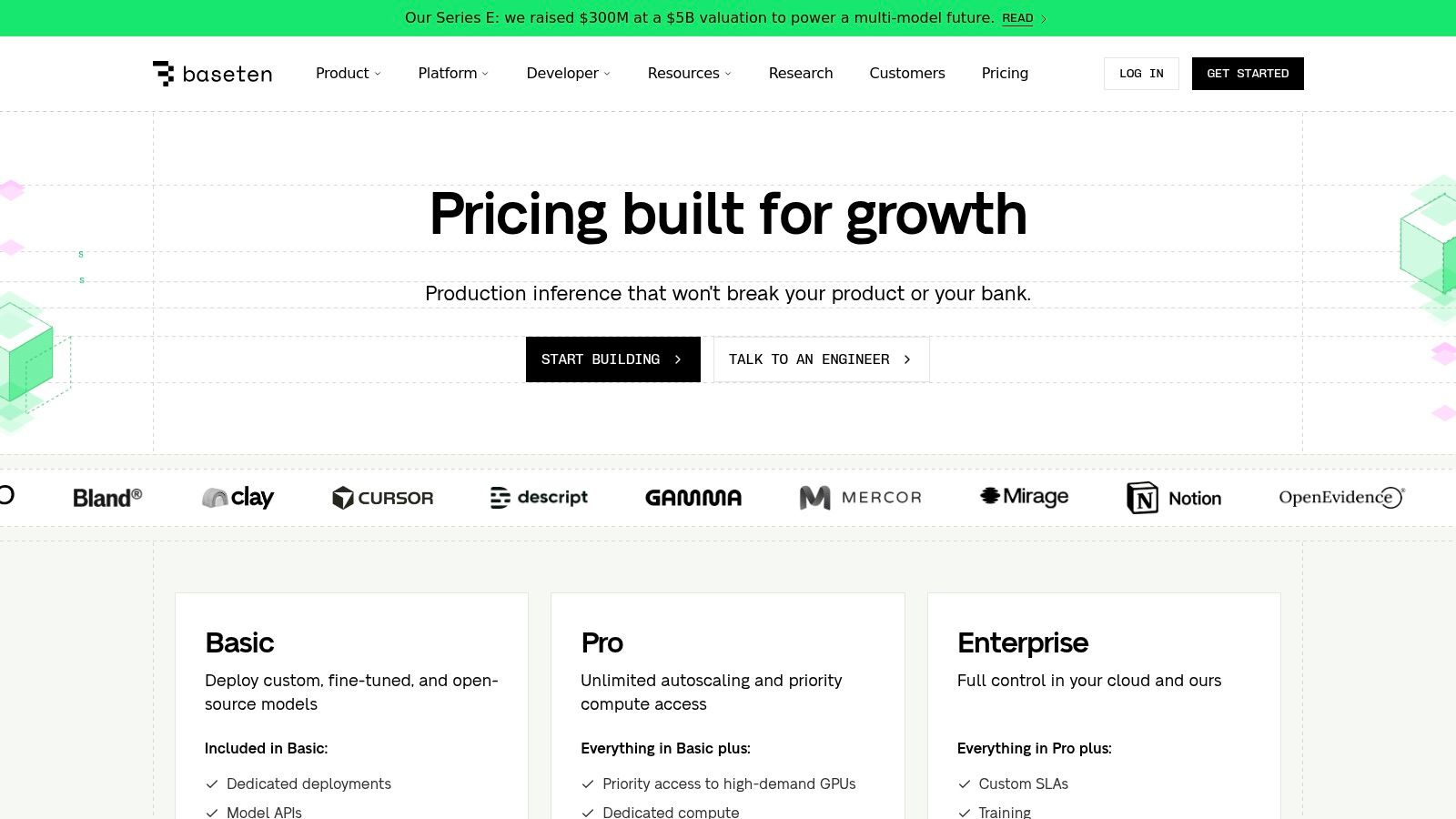
The platform supports both pre-packaged Model APIs for popular LLMs and fully dedicated deployments for private models. This makes Baseten an accessible yet powerful machine learning model deployment tool for startups and enterprises that require speed and compliance.
Key Features & Considerations
Website: https://www.baseten.com/pricing
8. Modal
Modal offers a serverless compute platform for developers who need to run ML models or AI backends without managing infrastructure. It stands out by providing a simple, Python-native workflow that turns scripts into scalable, containerized applications. This allows teams to deploy inference endpoints directly from their local environment in seconds.
The platform’s core strength is its ability to scale from zero on demand, making it one of the most cost-effective machine learning model deployment tools for applications with sporadic traffic. By handling dependencies, hardware provisioning, and secrets, Modal empowers engineers to focus on application logic.
Key Features & Considerations
Website: https://modal.com/pricing
9. Together AI
For teams leveraging open-source large language models (LLMs), Together AI provides a high-performance inference and fine-tuning platform. It balances the convenience of serverless APIs with the power of dedicated hardware. The platform's main appeal is its transparent, competitive pricing on a per-token or per-GPU-hour basis.
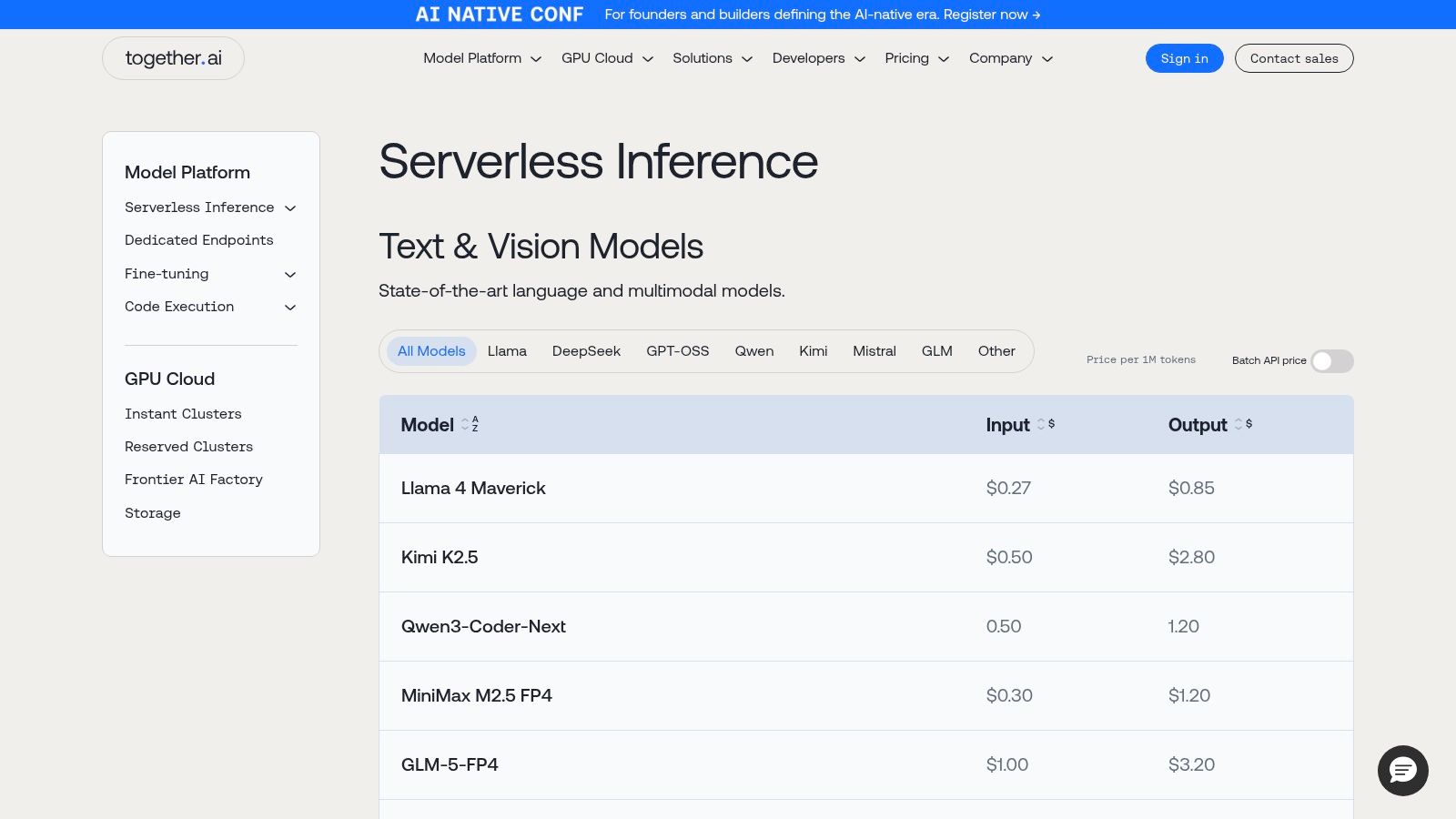
Together AI is a compelling option for startups building generative AI applications that need to manage costs without sacrificing performance. Its combination of serverless APIs for prototyping and dedicated GPU clusters for production allows teams to scale infrastructure efficiently.
Key Features & Considerations
Website: https://www.together.ai/pricing
10. Fireworks AI
For teams needing high-performance inference for generative AI models, Fireworks AI provides a platform focused on speed and throughput. It stands out with its transparent, per-token pricing for serverless APIs and per-second billing for dedicated GPU deployments. Its core strength is its optimization for popular open-source models, delivering low latency for demanding applications.
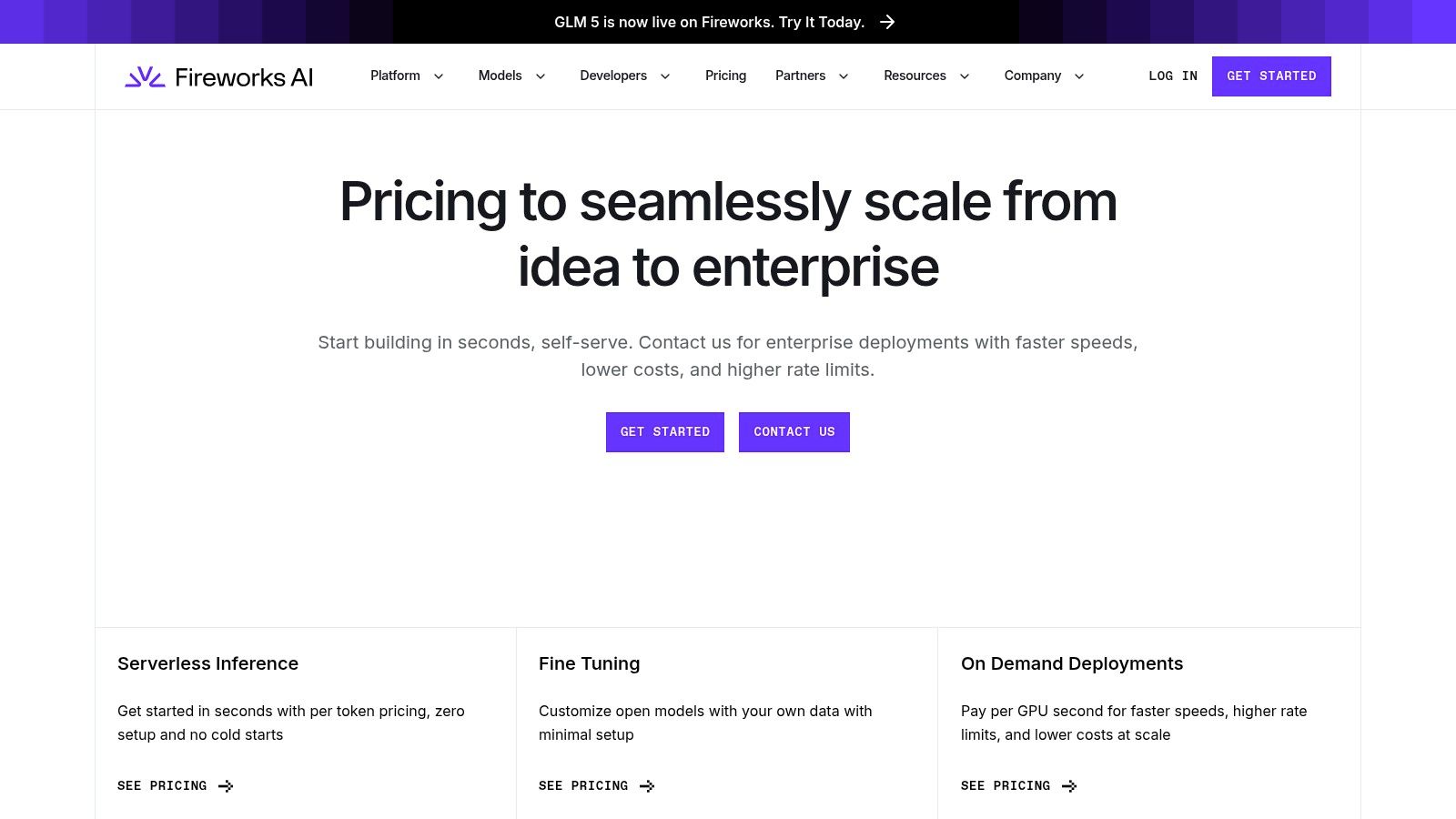
Fireworks AI simplifies access to cutting-edge hardware, abstracting away the complexity of provisioning. This focus on performance and clear cost models makes it an excellent choice among machine learning model deployment tools for startups where inference speed is a critical feature.
Key Features & Considerations
Website: https://fireworks.ai/pricing
11. NVIDIA NIM (NVIDIA Inference Microservices)
NVIDIA NIM provides pre-built, optimized inference microservices to simplify the deployment of generative AI models. It packages popular open-source models (like Llama and Mistral) into production-ready containers with standardized APIs. This allows teams to deploy high-performance endpoints on any NVIDIA GPU-powered infrastructure without deep expertise in GPU optimization.
NIM's primary strength is delivering peak performance by bundling models with optimized runtimes like TensorRT-LLM. For organizations investing in NVIDIA hardware, NIM is a powerful tool because it reduces time-to-market by abstracting away complex performance tuning.
Key Features & Considerations
Website: https://www.nvidia.com/en-us/ai-data-science/products/nim-microservices
12. Seldon (Seldon Core & Seldon Enterprise Platform)
For organizations requiring robust, on-premise, or multi-cloud model serving on Kubernetes, Seldon provides a powerful open-source foundation. Seldon Core, its open-source engine, is a Kubernetes-native framework for deploying models at scale. It excels in regulated environments where data sovereignty and infrastructure control are paramount.
Seldon allows teams to manage complex deployment strategies like A/B tests and canary rollouts through Kubernetes. The commercial Seldon Enterprise Platform builds on it with governance features like explainability and drift detection. This makes it a flexible tool for teams that need to scale into enterprise MLOps.
Key Features & Considerations
Website: https://www.seldon.io
Top 12 ML Model Deployment Tools — Feature Comparison
Deep Dive: Trade-offs, Alternatives, and Pitfalls
The "best" tool is entirely context-dependent. A startup's needs for rapid prototyping differ vastly from an enterprise's needs for managing hundreds of models with strict compliance. The sheer volume of options can lead to analysis paralysis. Your goal is to move from theory to practice by making a concrete, evidence-based decision.
Key Trade-offs to Consider
Common Pitfalls to Avoid
Checklist for Selecting Your ML Deployment Tool
Use this checklist to run a structured evaluation and make a decision in under two weeks.
Phase 1: Define Constraints (1 Day)
Phase 2: Run Pilot (1 Week)
Phase 3: Final Decision (1 Day)
What to Do Next
Don't let a lack of specialized MLOps talent slow down your AI roadmap. ThirstySprout connects you with the top 1% of remote MLOps and AI engineers who have hands-on experience deploying models on platforms like SageMaker, Vertex AI, and Kubernetes. Launch your pilot in under two weeks with an expert who can build it right, the first time.
References
Hire from the Top 1% Talent Network
Ready to accelerate your hiring or scale your company with our top-tier technical talent? Let's chat.