

TL;DR
- Goal: Automate critical user journeys to ship reliable software faster. Focus on tests that, if they fail, cause a 3 AM emergency call.
- Strategy: Apply the Test Automation Pyramid: ~70% unit tests, ~20% API/integration tests, and only ~10% end-to-end (E2E) UI tests.
- Tooling: For non-technical teams, use codeless tools like Katalon for fast value. For engineering-heavy teams, use code-based frameworks like Cypress for deep integration.
- Action Plan: Start a 90-day pilot. Identify 3–5 critical journeys, automate one, and integrate it into your CI/CD pipeline to prove value quickly.
- Next Step: Use the ROI template below to build your business case.
Who this is for
- CTO / Head of Engineering: You need to increase deployment frequency without sacrificing quality. You're looking for a scalable strategy that your team can actually maintain.
- Founder / Product Lead: Manual testing is a bottleneck, delaying feature releases. You need to understand the business impact and ROI of automation.
- QA Lead / Staff Engineer: You're tasked with building an automation framework from scratch or improving an existing one that's brittle and slow.
Quick Answer: The 4-Step Automation Framework
Automating regression testing isn't about hitting 100% coverage; it's about building a reliable safety net that lets your team ship code with confidence. Follow this pragmatic framework to focus your efforts where they matter most.
- Identify Critical Journeys: Map out the 3–5 user paths that are essential to your business (e.g., checkout, new user sign-up). Prioritize the journeys that 80% of your users take.
- Apply the Test Pyramid: Structure your test suite for speed and stability. Focus heavily on fast unit and API tests, reserving slow, brittle E2E tests for only the most critical end-to-end validations.
- Choose the Right Tool for Your Team: Select a tool based on your team's skills. Codeless tools deliver fast value for QA teams, while code-based frameworks give developers maximum control for complex systems.
- Integrate with CI/CD: Embed your tests directly into your development pipeline. Run a core set of tests on every pull request to provide immediate feedback and block bad code from being merged.
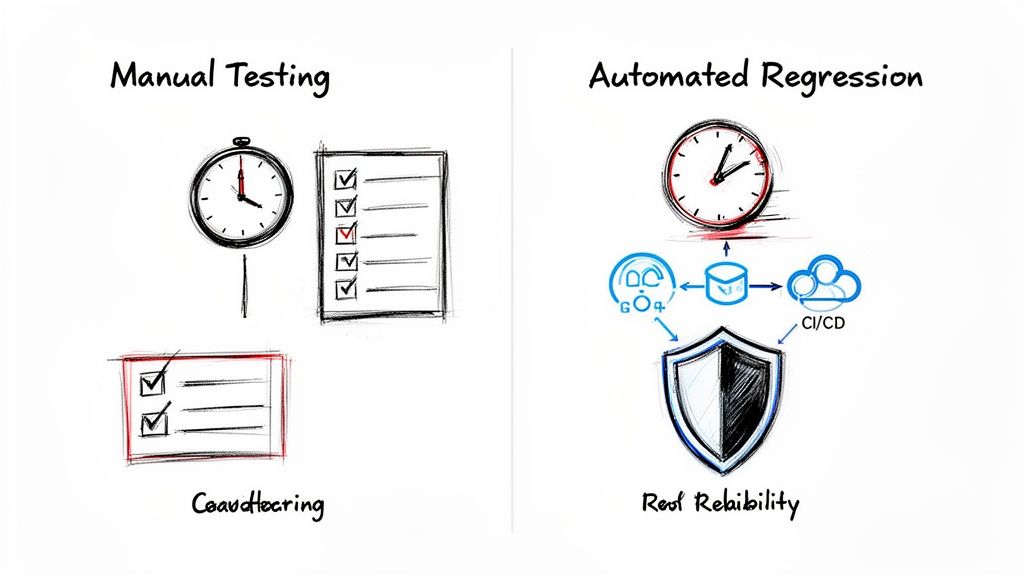
alt text: A diagram comparing slow manual testing with checklists to fast automated regression with integrated CI/CD and reliability.
Practical Examples: Two Paths to Success
The "best" tool depends entirely on your context. Here are two real-world scenarios showing how different choices lead to success.
Example 1: Fintech Startup (Codeless Approach)
A Series A fintech startup needed to ship features faster but had a small QA team with limited coding experience. Their goal was to achieve 70% regression coverage in one quarter.
- Their Choice: They adopted an AI-powered codeless tool like Katalon.
- How They Did It: The QA team used the tool’s recorder to capture critical user flows like new account sign-up and first-time deposits.
- The Outcome: Within 90 days, they automated over 200 E2E tests. Manual regression testing time dropped from two days to just 30 minutes. This unlocked their ability to ship multiple times a week. The tool's self-healing features were critical, minimizing test maintenance for the small team.
alt text: A hybrid test automation tool interface showing both codeless and script views.
What this shows: A hybrid tool like Katalon lets non-coders build tests visually while developers can switch to a script view to handle complex logic, making it ideal for teams with mixed skill sets.
Example 2: SaaS Company (Code-Based Framework)
A mid-sized SaaS company with a complex microservices architecture needed to test deep API interactions invisible from the UI. Their team was composed of experienced Software Development Engineers in Test (SDETs).
- Their Choice: They standardized on a code-based framework, Cypress, for its excellent developer experience and debugging tools.
- How They Did It: The SDETs built a robust testing framework that plugged directly into their backend services. They created custom commands for complex authentication flows and used API mocking to test services in isolation.
- The Outcome: This deep integration testing provided developers with near-instant feedback on every pull request. It became essential for maintaining system stability and led to a 50% reduction in production bugs related to service communication. For complex domains, this tight coupling of testing and development is a core tenet of the MLOps practices we recommend.
Deep Dive: Trade-offs, Alternatives, and Pitfalls
Automating regression testing isn't just about picking a tool; it's about making strategic trade-offs that align with your team and business goals.
Decision Framework: Choosing Your Automation Tool
There is no single "best" tool. Use this framework to guide your decision and pick a solution that accelerates your team, not one that slows it down.
Pitfall #1: Aiming for 100% Automation
The goal isn't to automate every test case; it's to build a reliable safety net. Chasing 100% automation is a common mistake that leads to a slow, brittle, and expensive test suite. Instead, focus your energy where it matters most: features that would cause the most pain to your business if they broke.
A pragmatic Test Automation Pyramid is your guide:
This model ensures most feedback comes from fast, reliable unit and integration tests that can run on every commit.
Pitfall #2: Ignoring Test Data and Environments
Your automated tests are only as reliable as the environment they run in. Running tests against a shared, chaotic staging environment is a recipe for flaky tests and false alarms.
The solution is ephemeral, on-demand test environments. For every test run, your Continuous Integration/Continuous Deployment (CI/CD) pipeline should spin up a clean, isolated environment from scratch using tools like Docker. The pipeline also seeds this environment with a known, consistent dataset. This ensures every test run starts from the exact same baseline.
Treat your test environment and data like production code. Version your test data scripts in Git. Automate the entire setup and teardown process within your pipeline. No manual steps are allowed. This is a foundational practice for developing in the cloud.
Pitfall #3: Tolerating Flaky Tests
A flaky test—one that passes and fails randomly without code changes—is the biggest threat to your automation efforts. Once developers lose trust in the test results, they start ignoring them, and the entire feedback loop collapses.
Here’s your action plan:
- Quarantine Immediately: The moment a test is identified as flaky, pull it out of your main CI suite.
- Find the Root Cause: Investigate why it's flaky. It's often a timing issue, an unstable dependency, or inconsistent test data.
- Fix or Delete: A broken test is a bug. Fix it or delete it. Use smart retries sparingly as a temporary bandage, not a long-term solution.
Checklist: Your 90-Day Automation Pilot Plan
Use this checklist to go from zero to a functioning automation suite integrated into your pipeline in one quarter.
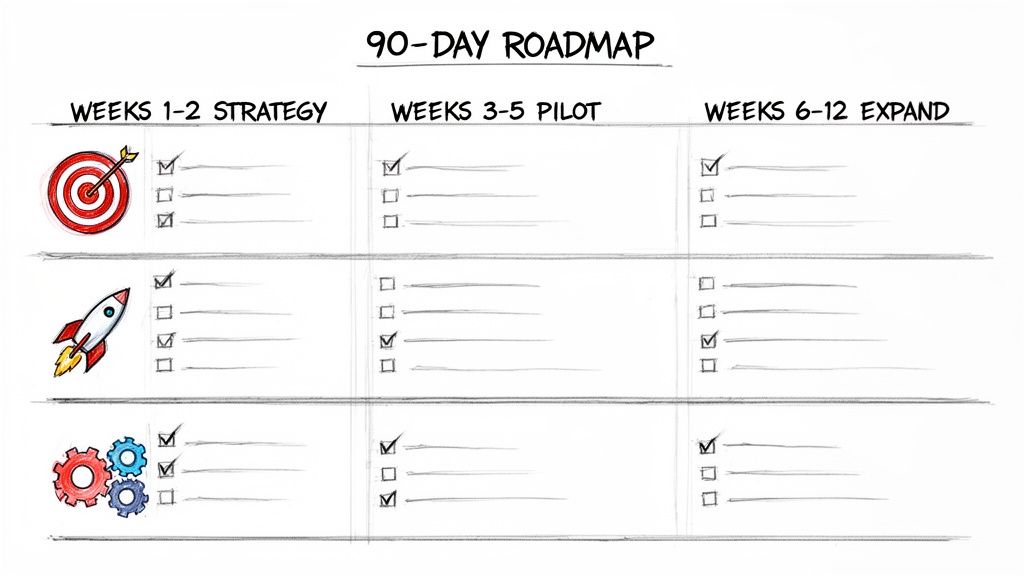
alt text: A hand-drawn 90-day roadmap showing strategy, pilot, and expand phases with checked tasks.
What to do next
- Scope Your Pilot: Use the 90-day checklist above to define your first automation project. Identify one critical user journey to target.
- Calculate the Business Case: Use the ROI template to estimate the cost savings. This will help you get buy-in from leadership.
- Book a Scoping Call: ThirstySprout connects you with the top 1% of remote AI and QA engineers who can implement a robust regression framework in weeks. Start a Pilot.
References
Hire from the Top 1% Talent Network
Ready to accelerate your hiring or scale your company with our top-tier technical talent? Let's chat.