

A UX design consultant for an AI product does more than clean up interfaces; they architect user trust. Their job is to translate complex, often messy machine learning outputs into something a user can understand, rely on, and act on. Get this right, and user adoption climbs. Get it wrong, and your expensive AI models sit unused.
TL;DR: Hiring a UX Design Consultant
- Focus on AI-Specific Skills: Don’t hire a generalist. You need a consultant who can design for probabilistic outcomes, visualize complex ML outputs, and build human-in-the-loop (HITL) feedback systems.
- Write a Problem-Focused Brief: Attract experts by framing a clear business problem, not a list of deliverables. For example, instead of "design a dashboard," specify "cut time-to-insight for data scientists by 50%."
- Scrutinize Portfolios for AI Depth: Look for case studies that show how they designed for confidence scores, explainability, and error handling. A portfolio of static, beautiful dashboards is a red flag.
- Ask AI-Specific Interview Questions: Ask how they’d handle an algorithm that’s only 80% accurate or design a feedback loop to retrain a model.
- Start with a Pilot: Engage a consultant for a fixed-scope, 2–4 week pilot project to validate their skills and impact before committing to a longer-term contract.
Who This Guide Is For
This guide is for CTOs, Product Leads, and Founders who need to hire a UX design consultant for an AI-driven product. If you're scoping the role, setting a budget, or need to ensure your AI features deliver real business value, this framework will help you find and vet the right expert.
Quick Framework: When to Hire a UX Design Consultant
Use this decision tree to determine if you need a UX design consultant and what engagement model fits best.
- Action: Hire a fractional consultant for a strategic UX audit (2–4 weeks).
- Goal: Validate the user problem and define the core user experience before committing engineering resources.
- Action: Hire a project-based consultant for a feature redesign (1–3 months).
- Goal: Diagnose the trust/usability issues and deliver a high-fidelity, validated prototype.
- Action: Hire a full-time contract consultant (6+ months).
- Goal: Embed a UX expert into your agile team for long-term product development and ownership.

This diagram shows the core challenge for an AI UX design consultant: mediating the relationship between a user and a probabilistic system by designing for trust, control, and ethical oversight.
Practical Examples of AI UX in Action
Real-world AI UX design is less about pixel-perfect mockups and more about solving messy, human-centered problems. Here are two examples.
Example 1: Redesigning a "Black Box" Sales Forecasting Tool
A B2B SaaS company built an AI forecaster, but sales managers were manually overriding 90% of its predictions, making the feature useless.
- Weak Approach: A generalist UX designer might "modernize the UI," adding sleek graphs and a new color palette, but failing to address the root cause.
- Diagnosis: The consultant interviewed sales managers and found the core problem wasn't accuracy, but trust. The AI was a "black box," and they didn't understand why it produced a certain number.
- Solution: They designed an "explainability" module. Instead of just showing "$5.2M Forecast," the new UI showed the key drivers: "Seasonality (+15%), Recent marketing campaign (+8%), Rep performance (-5%)."
- Business Impact: After launch, manual overrides fell by 60% within one quarter. The consultant's work was directly tied to a measurable increase in feature adoption and user trust.
- "We need a UX designer to improve our dashboard." This tells a consultant nothing about the business impact or the complexity of the challenge.
- Problem: "Our data scientists spend 20 minutes per session struggling to compare model outputs because our current dashboard lacks intuitive visualization tools.
- Goal: "We need a consultant to design a new interface that cuts down this time-to-insight by at least 50% and boosts their confidence in deploying models."
- Impact: This reframes the task from "making wireframes" to "solving a high-value business problem," attracting top-tier talent.
- Designing for Probabilistic Outcomes: They create interfaces that communicate the AI's confidence level, guiding users on when to trust an output and when to be skeptical.
- Visualizing Complex ML Outputs: They turn abstract model predictions into charts and simple explanations, cracking open the "black box" to build user trust.
- Developing Human-in-the-Loop (HITL) Workflows: They design feedback loops that let users correct AI errors, which helps retrain and improve the model over time.
- Embedding Ethical AI Principles: They proactively design for fairness and transparency, giving users control over their data and a clear understanding of how the AI makes decisions.
- Confidence Scores: Interfaces showing an AI's certainty (e.g., "85% sure this is a match").
- Explainability (XAI): Visuals that explain why an AI made a recommendation.
- Error Correction: Workflows that allow users to fix AI mistakes easily.
- Measurable Outcomes: Case studies that connect design changes to business metrics like reduced errors, increased adoption, or higher task completion rates.
- Situational Question: "We're building an AI feature that's only right 80% of the time. How would you design the experience to handle the 20% failure rate gracefully?"
- Behavioral Question: "Walk me through a project where you had to design for a 'black box' algorithm. How did you make its outputs understandable and trustworthy to a non-technical user?"
- Technical/Collaboration Question: "Describe a time you and an ML engineer disagreed on a design. What was the core issue, and how did you reach a solution that worked for the user without being impossible to build?"
- Define the core user problem and business goal.
- Choose an engagement model (Fractional, Project-Based, or Full-Time).
- Set clear success metrics (e.g., reduce manual overrides by 40%).
- Write a problem-focused project brief.
- Review portfolios for AI-specific case studies (look for HITL, XAI).
- Conduct interviews using AI-specific situational and behavioral questions.
- Optional: Assign a small, paid take-home challenge (2–3 hours max).
- Check at least two references from past AI product engagements.
- Schedule 30-min intro meetings with key Product, Engineering, and Data Science leads.
- Provide access to all necessary tools (Figma, Jira, analytics, user research repository).
- Assign an onboarding buddy for practical questions.
- Assign a small, low-risk starter project to help them learn the workflow.
- Define Your Core Problem: Spend one hour writing a project brief using the problem-focused template. What specific business metric are you trying to move?
- Identify 3–5 Potential Consultants: Look for individuals whose portfolios demonstrate clear experience with AI-specific UX challenges like explainability and human-in-the-loop design.
- Book a Scoping Call: Reach out to your top candidate to discuss the project brief and confirm they are the right strategic partner for your team.
- AI UI/UX Tools Overview
- UI/UX Designer Job Description Guide
- UX Design Services Market Growth Report
- Remote Workforce Management Best Practices
Example 2: Crafting a Project Brief That Attracts Experts
A poorly defined brief attracts generalists. A sharp, problem-focused brief attracts strategic consultants.
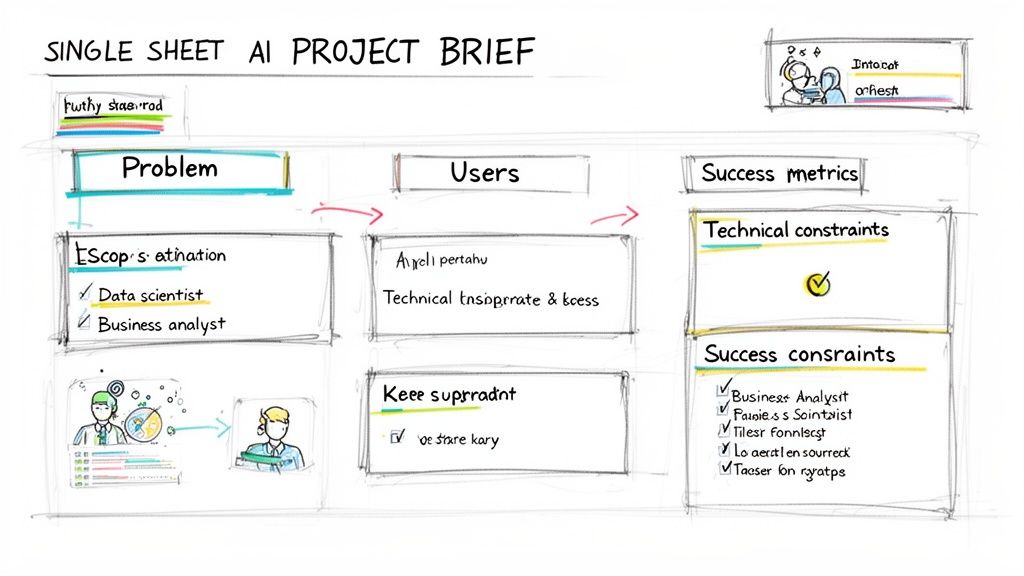
A strong project brief focuses on the user problem and desired business outcomes, attracting strategic consultants who can deliver measurable results.
Deep Dive: Skills, Vetting, and Onboarding
Core Responsibilities of an AI UX Consultant
An expert consultant's role extends beyond visual design into product strategy and ethical oversight.
How to Evaluate an AI/ML UX Portfolio
Forget the Dribbble shot. Dig into case studies for evidence of deep thinking.
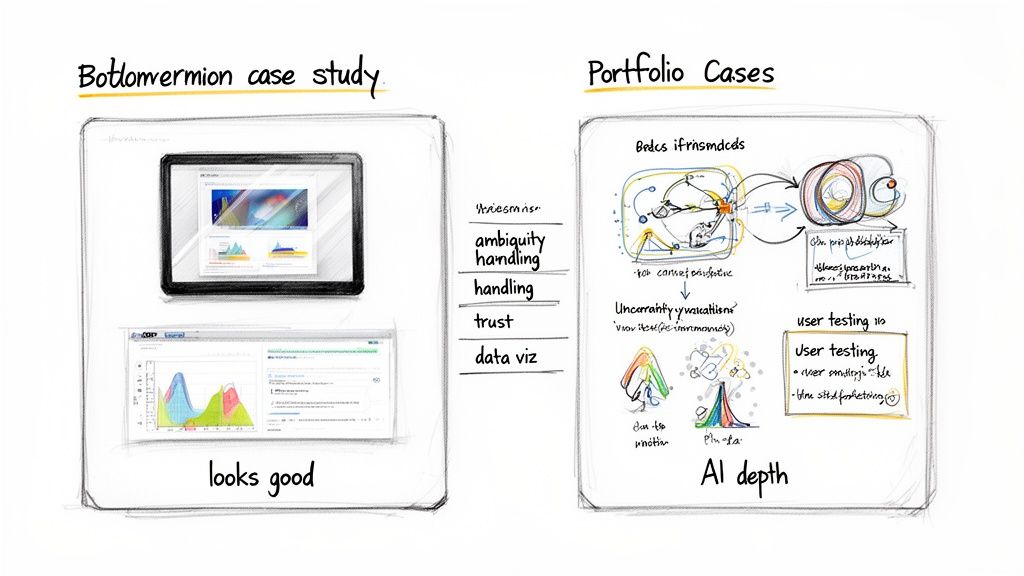
Look for portfolios that showcase process and problem-solving for AI-specific challenges like explainability and user feedback loops, not just polished final screens.
A portfolio full of beautiful but static dashboards is a red flag. Real AI/UX work is messy. Look for evidence they have designed for:
Interview Questions to Uncover True Expertise
Your standard interview questions won't work. Use these to test for real AI/UX skills.
Checklist: Hiring a UX Design Consultant for AI
Use this checklist to ensure you cover all bases from scoping to onboarding.
Phase 1: Scoping & Briefing (1–2 Days)
Phase 2: Vetting & Selection (1–2 Weeks)
Phase 3: Onboarding & Kickoff (Week 1)
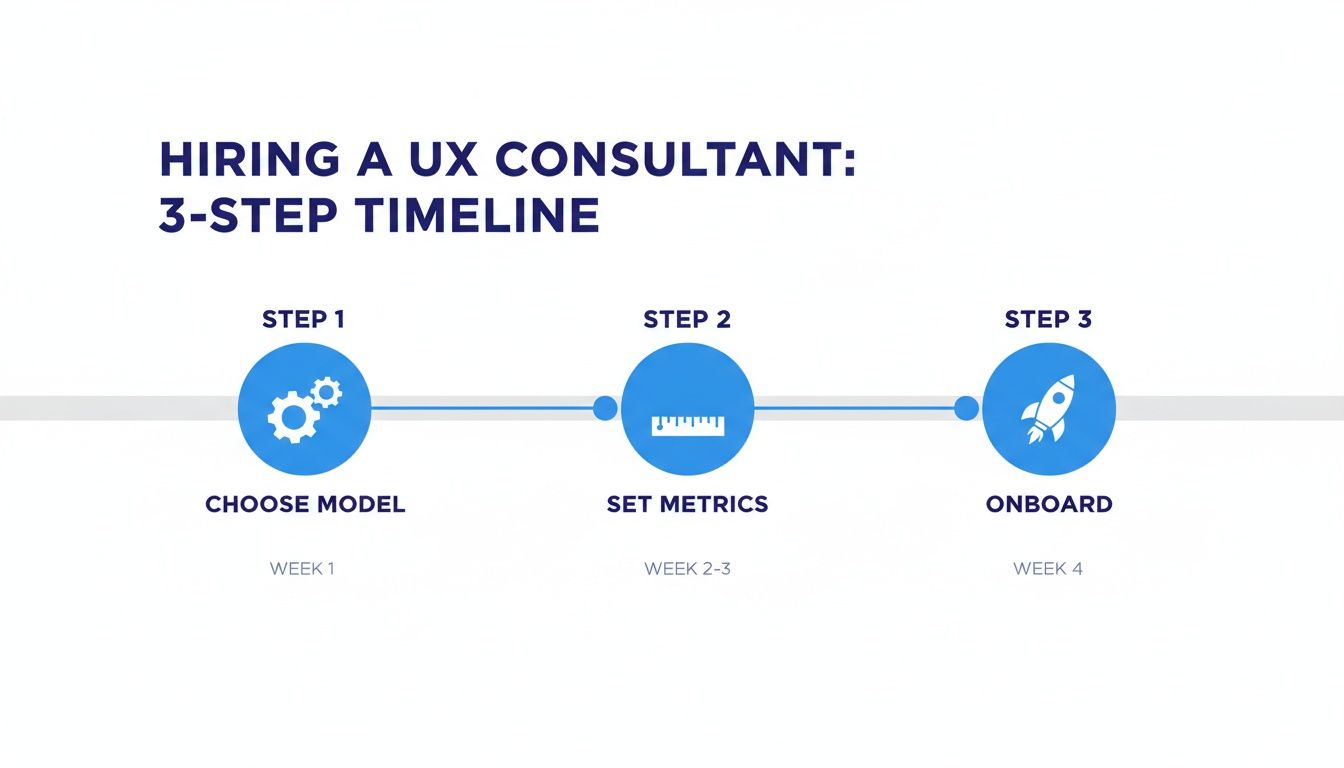
A structured hiring and onboarding process ensures your consultant can deliver impact quickly, moving from immersion to execution within their first month.
What to Do Next
A brilliant design is only as good as the team that builds it. At ThirstySprout, we connect companies with the vetted, senior AI and ML engineers who can translate a consultant's vision into robust, scalable software.
If you're ready to build, we're ready to help.
Start a Pilot and get matched with world-class engineering talent in days, not months.
References
Hire from the Top 1% Talent Network
Ready to accelerate your hiring or scale your company with our top-tier technical talent? Let's chat.