

You're probably in one of two camps right now. You're a senior iOS developer tired of opening remote listings that turn out to be hybrid, under-scoped, or unrelated to Apple platform work. Or you're a CTO or hiring manager who posted one remote iOS role and got buried in weak applications, generic resumes, and candidates who can ship features but can't own a production app.
Find your next remote iOS role, faster. The best remote iOS jobs are usually on niche boards like Wellfound for startups and Arc.dev for senior-focused remote work. To stand out, ship a clean sample app on GitHub that shows architecture choices, test coverage, and product judgment. For hiring managers, use one or two high-signal boards, not seven, or work with a vetted network when speed and quality matter more than raw applicant volume.
This guide is built for both sides of the market. It covers where to look, how to evaluate the trade-offs between job boards, how candidates can stand out in a crowded remote market, and how managers can assess remote iOS talent with less guesswork. If you're also exploring adjacent workflows for applications, these best AI job search tools can help with search and outreach hygiene.
1. Wellfound (formerly AngelList Talent)
Wellfound is where I'd look first for startup-focused iOS jobs remote. It's strongest when you want to work close to founders, move fast through interviews, and understand the company before you apply. The company profile matters here more than on most general boards, because you can often see stage, product focus, and compensation framing right next to the role.
That context saves time. A remote iOS engineer considering a seed or Series A company usually needs to know whether they'll be building from scratch, stabilizing an existing app, or inheriting a rushed codebase with no tests.
Where Wellfound works best
Wellfound is a good fit when you want startup signal, not just job volume.
- Best for startup matching: You can filter for iOS and remote roles and quickly see which teams are startup-native.
- Best for compensation clarity: Many listings are more transparent about salary and equity than broad job boards.
- Best for direct access: Founder and recruiter messaging can shorten the loop when a company is serious.
For hiring managers, the trade-off is equally clear. You'll usually get candidates who self-select into startup environments, which is useful if your team needs ownership and ambiguity tolerance.
Practical rule: If your product is still changing every sprint, hire from places where candidates expect that level of messiness.
A useful candidate pattern on Wellfound is to tailor your profile around outcomes, not just UIKit or SwiftUI keywords. If your background includes offline sync, release ownership, or architectural cleanup, make that visible. Remote employers increasingly want engineers who can own systems, not just tickets, which aligns with how specialized remote iOS roles are showing up across job boards, from iOS engineer to tech lead, with emphasis on architecture and independent delivery in Working Nomads' remote iOS market snapshot.
If you're applying to AI-heavy mobile startups, review how product teams think about mobile-first AI workflows in this guide on how to build an AI app for iPhone.
2. Arc.dev
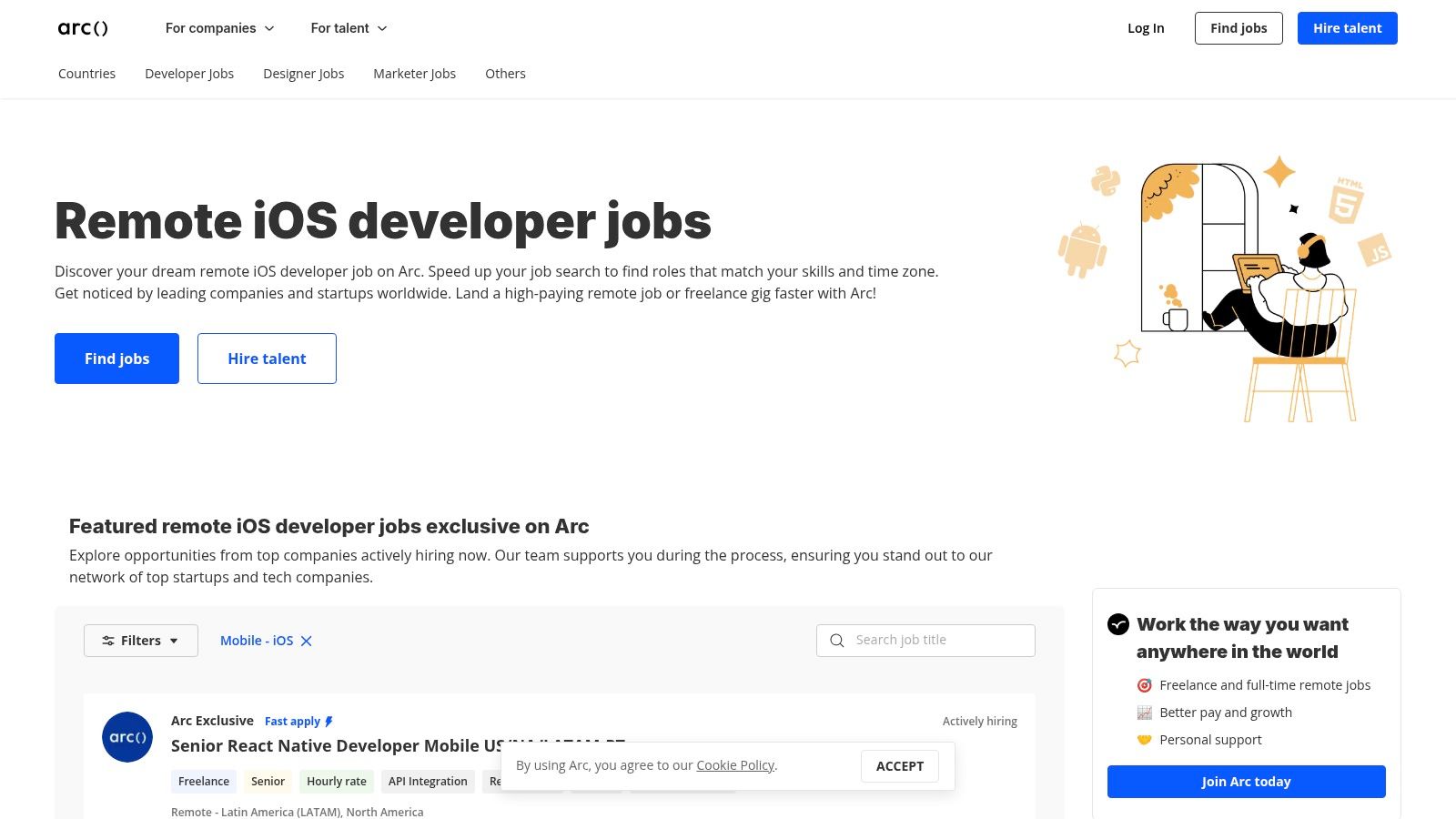
Arc.dev is more curated and more senior-skewed. That's the main reason it belongs high on this list. If Wellfound feels like a startup marketplace, Arc.dev feels more like a developer-first filter for companies that already know they need experienced remote engineers.
Alt text: Arc.dev remote iOS jobs interface showing a developer-focused remote job portal.
Arc.dev specifically positions remote iOS roles as global opportunities across freelance and full-time work, which makes it especially useful for experienced developers who aren't only targeting one employment model. For hiring managers, that flexibility matters too. Sometimes you need a full-time iOS lead. Sometimes you need a contractor who can stabilize release engineering and unblock a roadmap.
What makes Arc.dev efficient
The biggest advantage is reduced noise. You won't see as many random, poorly framed listings as you do on broader boards.
- Developer-first workflow: Candidate profiles and screening layers help strong applicants signal depth before the interview.
- Useful for senior roles: Mid-level and senior iOS opportunities show up more often than entry-level openings.
- Good for time-zone fit: It's easier to find roles with U.S. overlap or globally distributed expectations.
The downside is access friction. Some details are gated until you sign up, and that can annoy both candidates and hiring teams who just want a fast first pass.
Here's a mini scorecard I'd use for an Arc.dev applicant as a hiring manager:
- Architecture ownership: Did they explain when they chose MVVM, VIPER, or MVP, and why?
- Production debugging: Can they talk through crash triage, performance regressions, and release rollback plans?
- Remote execution: Have they worked asynchronously with product, design, and backend teams?
Those skill areas match what remote iOS hiring now tends to emphasize. On Indeed's remote iOS listings, there are 330 remote iOS developer openings, and many descriptions ask for 4 to 5 years of iOS experience, Swift or Objective-C, and familiarity with architectures like MVVM, VIPER, and MVP.
If your hiring needs extend beyond mobile, this overview of full-stack remote jobs is useful for planning mixed-platform teams.
3. We Work Remotely (WWR)
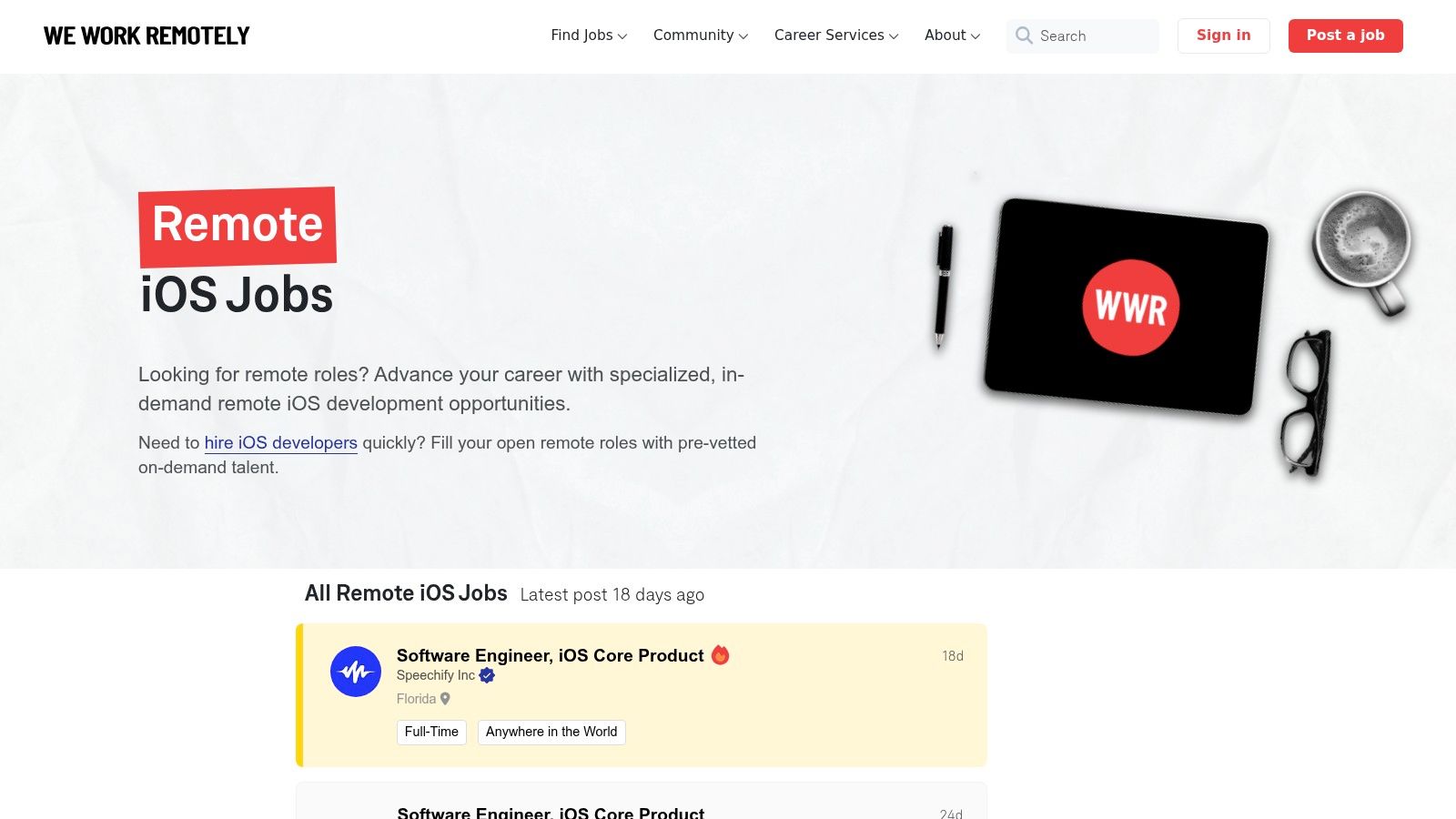
We Work Remotely is one of the simplest places to scan for remote iOS work because the remote part is explicit. That sounds obvious, but it matters. On many general job sites, “remote” still means remote in one state, remote after probation, or remote with regular office travel.
Alt text: We Work Remotely remote iOS jobs board with fully remote listing format.
WWR is best used as a scanning board. I wouldn't rely on it alone for a full search, but I would absolutely include it in a weekly routine. It tends to surface both startup and more established remote-first employers.
How to use WWR without wasting time
Candidates should move through WWR fast. Don't overread every post.
- Check the remote scope first: Look for timezone or country restrictions before anything else.
- Check the stack next: SwiftUI, UIKit, CI/CD ownership, and app architecture expectations tell you whether the team needs a builder or a maintainer.
- Check the process clues: If a listing is vague about product, team, or reporting line, expect a slower and noisier process.
For hiring managers, WWR is a visibility board. You post there when you want broad remote reach. You don't post there if you're unwilling to screen heavily.
A short, specific listing beats a polished vague one. “Own release quality, app architecture, and API collaboration” attracts better remote iOS candidates than “build delightful experiences.”
Mini-case for candidates. If I were applying through WWR, I'd attach a GitHub repo that includes a small sample app with a README answering three things: architecture choice, testing approach, and one trade-off I'd revisit in a second iteration. That does more than a generic cover letter.
If your team is hiring across disciplines, not only iOS, this guide to remote software engineering hiring gives a broader process lens.
4. Remote OK
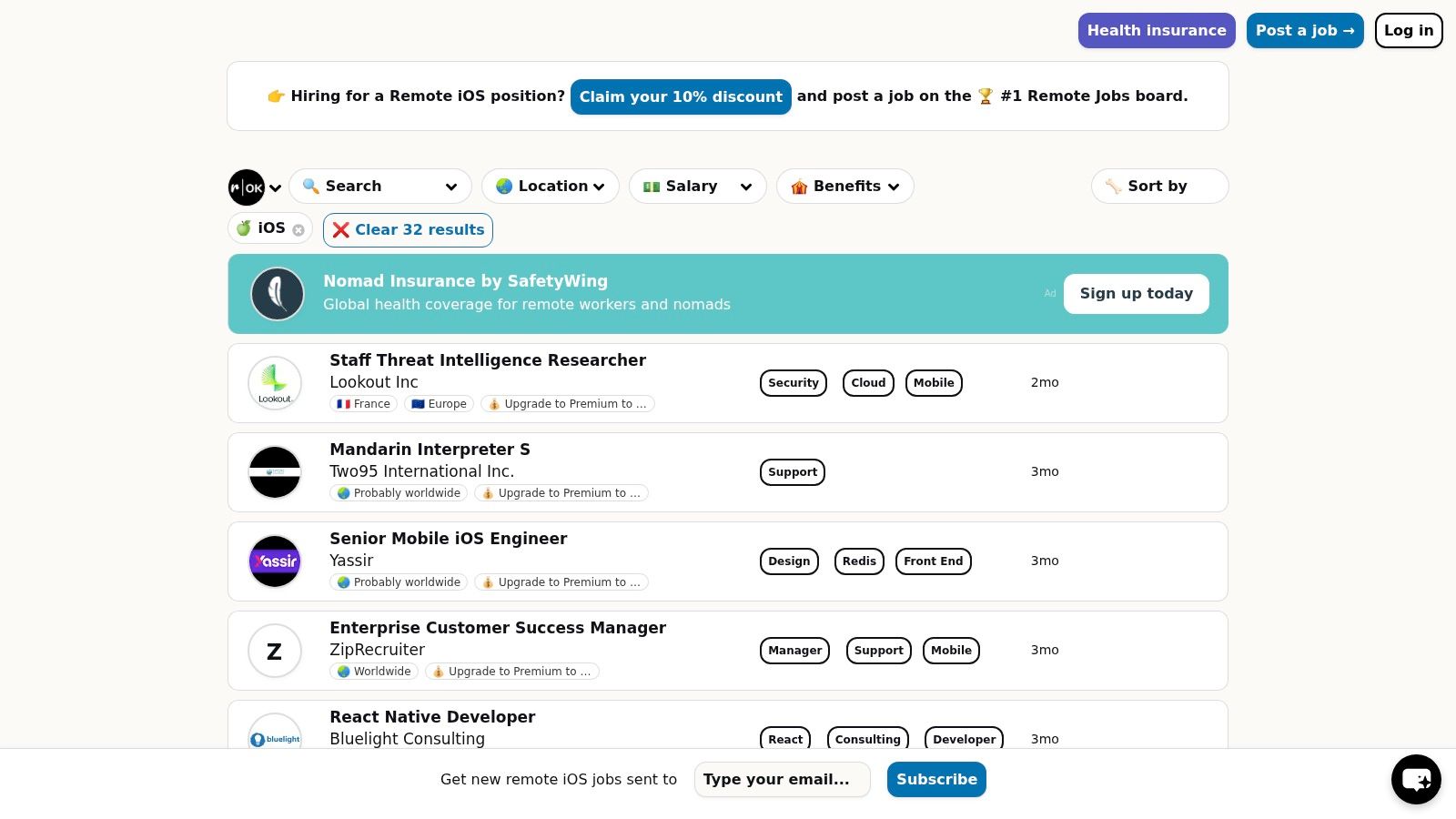
Remote OK is useful when you want volume and speed. It's not my favorite board for deep company research, but it is one of the easiest for daily monitoring because listings often include useful tags at a glance. That helps when you're trying to sort by contract type, geography, or compensation cues without opening every post.
Alt text: Remote OK iOS remote jobs board with listing metadata for location and compensation tags.
This is a board I'd treat like a feed, not a destination. Check it often, save good leads, then validate the company elsewhere before investing much time.
Best use cases for Remote OK
Remote OK is most effective in a narrow workflow.
- Daily scan for new openings: Good when you want a quick view of fresh remote postings.
- Fast filtering by metadata: Helpful if you care about contract versus full-time roles or location eligibility.
- Cross-checking market demand: Useful for seeing how often iOS roles appear alongside mobile-adjacent postings.
The weakness is duplication. Aggregated boards sometimes show the same role in multiple forms or after it has already circulated elsewhere. That doesn't make the board bad, but it does mean you need a clean application tracker.
For hiring teams, Remote OK can widen your funnel. The catch is applicant quality variance. If your role needs an iOS engineer who can independently own architecture, review App Store releases, and coordinate with backend and product, the raw volume may create more work than value.
A practical hiring filter I like for inbound applicants from broad boards is a single written prompt before the first interview:
“Describe a production iOS issue you diagnosed. Include the symptom, the debugging path, the fix, and what you changed to prevent recurrence.”
Weak candidates answer with tools only. Strong candidates explain decision-making, constraints, and follow-up process.
You can browse current openings on Remote OK's remote iOS jobs page.
5. Remotive
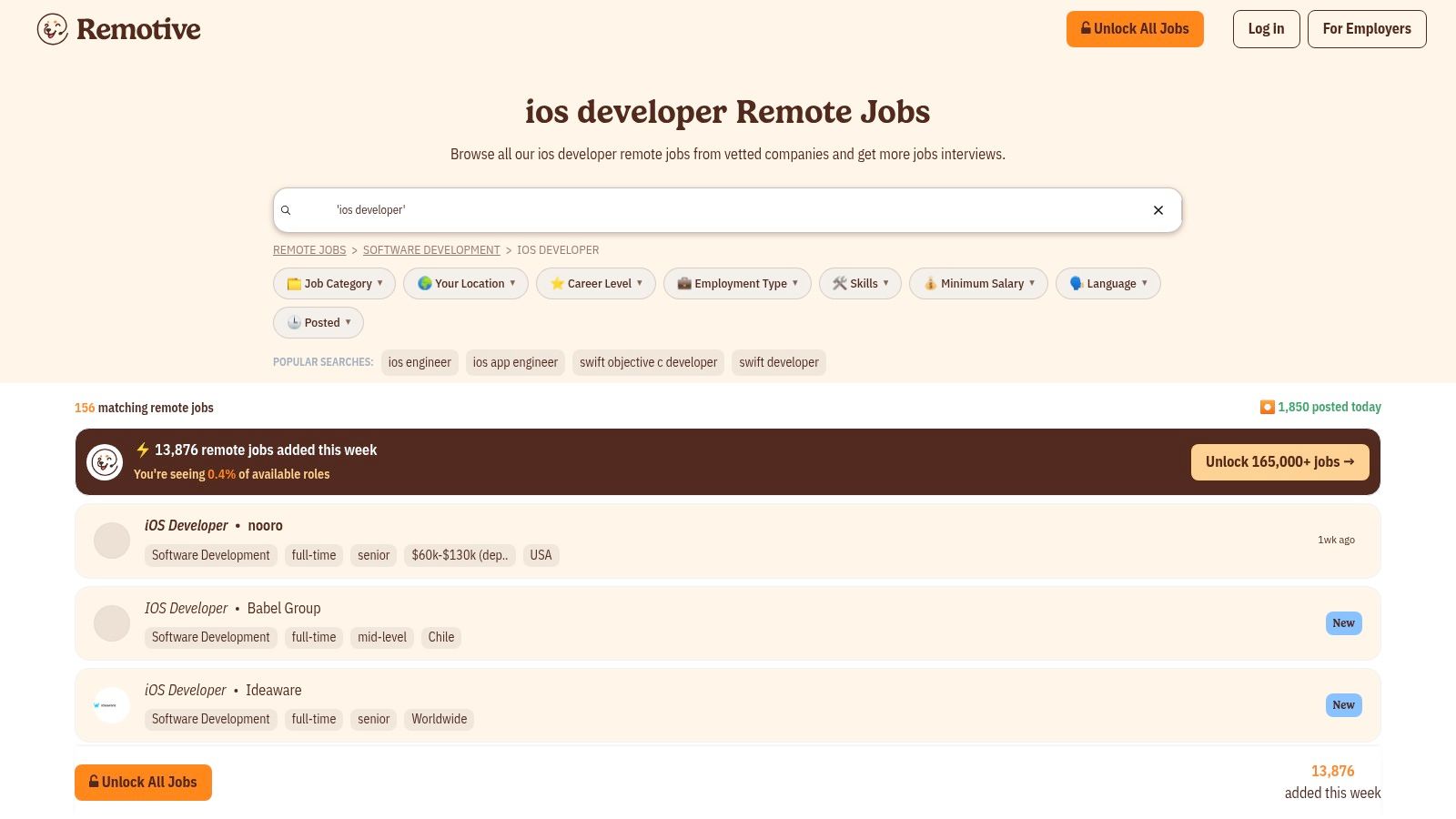
Remotive is a cleaner board than many people expect. It doesn't usually have the widest iOS inventory, but the signal is often better because the board leans curated and keeps the experience simple. That makes it a good second-board choice for candidates who don't want to swim in junk listings.
Alt text: Remotive remote iOS and mobile job listings in a curated remote-only interface.
I like Remotive most for disciplined searchers. If you already know your target, such as senior iOS product teams, contract mobile work, or remote-first SaaS companies, the board is efficient. If you need sheer volume, it won't replace broader aggregators.
Where Remotive fits in a smart search stack
Use it as part of a two-board strategy, not a seven-board sprawl.
- For candidates: Pair Remotive with one higher-volume board. That gives you enough flow without repeating the same low-quality applications all week.
- For managers: Post here if you'd rather receive fewer applications from people who want remote work.
- For passive search: Email alerts are useful when you don't want to manually scan every day.
A candidate example. Suppose you're a mid-senior iOS engineer with SwiftUI experience, but your biggest strength is app reliability. On Remotive, I'd pitch that directly in the first lines of your profile summary: “I build and maintain production iOS apps, with hands-on ownership of performance, debugging, release quality, and backend collaboration.” That framing lands better than listing every framework you've touched.
The same logic helps hiring managers write better listings. Ask for ownership areas, not buzzword soup. “Own mobile architecture and release quality across a customer-facing app” is much clearer than “must know Swift, Git, APIs, agile, communication, and mobile best practices.”
You can search the current feed on Remotive's iOS developer listings.
6. NoDesk
NoDesk is smaller, and that's the point. It's one of the few boards where less volume can be an advantage because the surrounding companies often understand distributed work. If you care about async culture, documentation, and calmer hiring processes, NoDesk is worth checking.
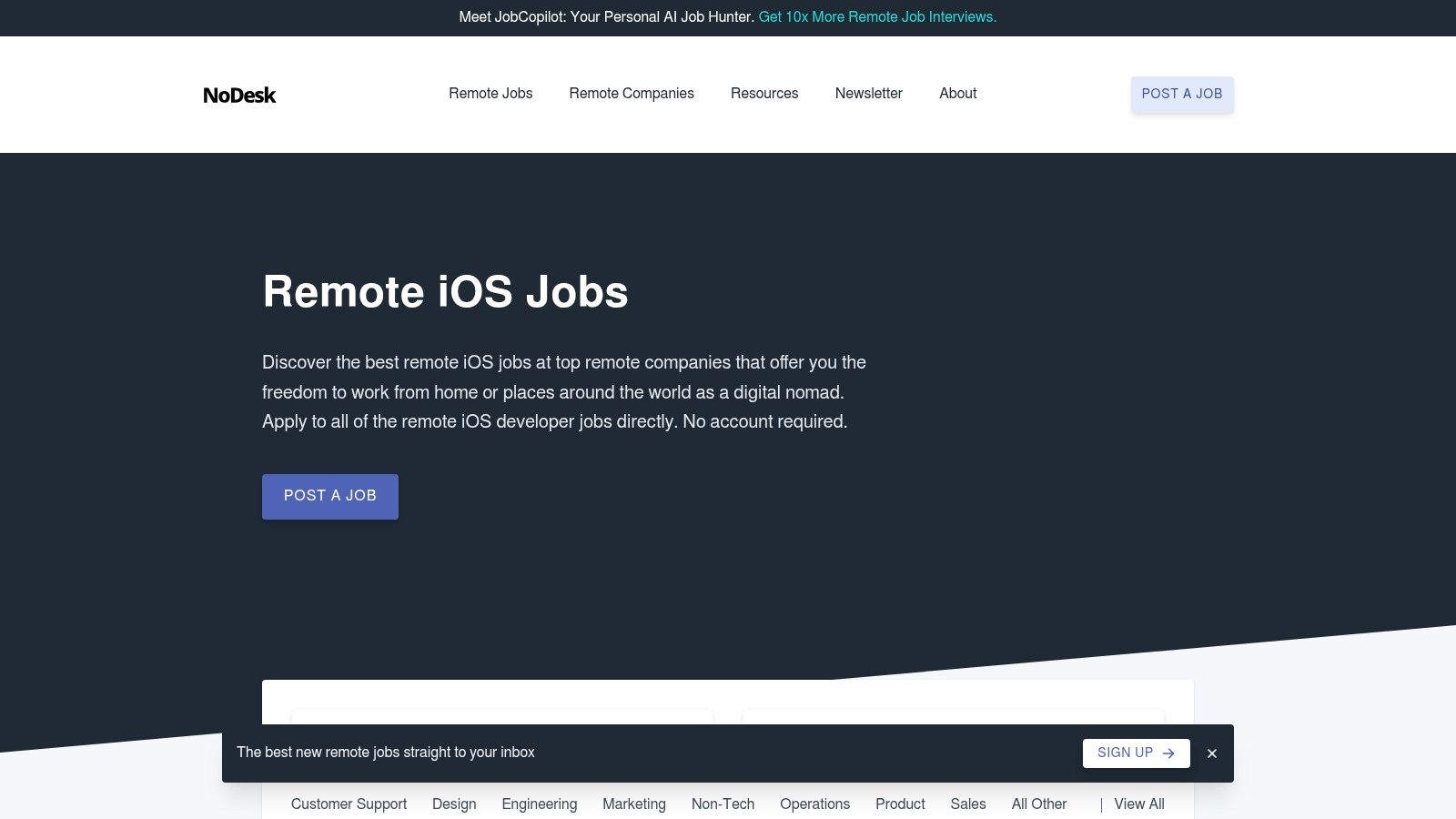
Alt text: NoDesk remote iOS jobs page featuring curated listings from remote-native companies.
This board is especially useful for developers who are done with “remote-first” companies that still behave like office teams on Slack all day. It tends to surface teams that already know how to work across time zones.
Why NoDesk can outperform bigger boards
Bigger isn't always better in ios jobs remote. Sometimes smaller means better alignment.
- Lower noise: Fewer irrelevant posts to sort through.
- Remote-native employers: Better odds that the company has thought through async communication and autonomy.
- Direct application paths: Less platform friction in many cases.
The trade-off is obvious. You won't get the same breadth of opportunities you'd find on larger boards, and filtering controls are lighter.
Hiring insight: If your team relies on written handoffs, issue templates, and async reviews, say that in the job description. You'll repel the wrong applicants and attract people who can operate without constant meetings.
For managers, NoDesk is a strong channel when your remote culture is part of the job itself. For candidates, it's one of the better places to find teams where process maturity matters as much as coding speed.
Browse roles on NoDesk's remote iOS jobs page.
7. FlexJobs
FlexJobs is the most trust-oriented option on this list. It's not where I'd start if I wanted the broadest possible set of remote iOS openings. It is where I'd look if I cared a lot about curation and wanted fewer scammy or mislabeled postings.
That matters more than people admit. Remote job search gets expensive in time long before it gets expensive in money.
Who should use FlexJobs
FlexJobs is a fit for a narrower kind of user.
- Candidates who value curation: Useful if you'd rather pay for a cleaner search experience than manually vet bad listings.
- Professionals returning to the market: Helpful when you want extras like resume support and job-search resources.
- Hiring managers at recognizable brands: The environment can support companies that want a more structured employer presence.
The clear downside is that access is paid, and total iOS volume is smaller than free boards. That means it's rarely the only board you need.
For candidates, I'd only recommend FlexJobs if your time is more constrained than your budget. For hiring managers, I'd view it as a quality-supporting channel, not a volume engine. It works best when the role is clearly remote, clearly scoped, and likely to appeal to experienced professionals who prefer a more curated search environment.
A simple candidate tactic here is to tighten your profile around one lane. Don't present yourself as iOS, backend, frontend, Android, and product all at once. The strongest remote profiles look focused. “Senior iOS engineer with production ownership across architecture, app performance, and release workflows” is much easier to place.
You can review openings on FlexJobs' iOS developer remote jobs page.
Top 7 Remote iOS Job Platforms Comparison
| Platform | 🔄 Implementation complexity | ⚡ Resource requirements | ⭐ Expected outcomes | 💡 Ideal use cases | 📊 Key advantages |
|---|---|---|---|---|---|
| Wellfound (formerly AngelList Talent) | Low–Medium, quick "I'm interested" flow; some profiles required | Moderate, profile, active applications; competitive for seniors | ⭐⭐⭐⭐, strong match for US startup iOS roles | Seed→growth startups hiring fast in US timezones | Salary/equity transparency; high startup concentration; fast processes |
| Arc.dev | Medium, curated screening and profile setup | Moderate–High, vetting/sign-up often required for full access | ⭐⭐⭐⭐, good signal for mid/senior Swift/React Native roles | Senior iOS engineers seeking vetted, timezone‑matched remote work | Tech-only focus; exclusive listings; strong candidate visibility |
| We Work Remotely (WWR) | Low, browse and apply; simple UX | Low, little gating but some seeker-side friction reported | ⭐⭐⭐, wide visibility but variable listing quality | Broad remote roles; employers with high remote hiring volume | Long-standing audience; many employers post first here; clear remote labels |
| Remote OK | Low, straightforward board with filters | Low, free scanning; fast daily updates | ⭐⭐⭐, frequent new postings, good for discovery | Daily scanning for global/US‑eligible iOS roles | Useful tags (salary, location, visa); high posting frequency |
| Remotive | Low–Medium, curated listings and community features | Low, email alerts/newsletter; some paid add-ons | ⭐⭐⭐, cleaner matches but smaller volume | Developers who prefer curated feeds and community insights | Curated posts, minimal spam, helpful newsletter and alerts |
| NoDesk | Low, curated publication-style board | Low, minimal noise, direct application links | ⭐⭐⭐, high-quality matches but limited inventory | Remote-native companies valuing async culture | Quality-over-quantity listings from distributed-first teams |
| FlexJobs | Medium, human-screened listings and vetted process | High, paid membership for full access; extra tools available | ⭐⭐⭐⭐, trusted, vetted roles (good for brand-name employers) | Candidates prioritizing scam-free, curated remote opportunities | Human curation, advanced filters, resume reviews and webinars |
What to Do Next
If you're a job seeker, don't try to be everywhere. Pick two boards based on your target environment. Wellfound and Arc.dev are strong if you want serious startup or senior-focused remote work. WWR or Remote OK can widen your reach, but they require more filtering discipline. Remotive, NoDesk, and FlexJobs are useful when you care more about curation and remote culture fit than sheer listing volume.
Your portfolio matters more than one more polished resume bullet. The remote iOS market is active, and role expectations tend to skew toward experienced engineers who can work independently, own architecture, and maintain production systems. Build a sample app that shows that. Keep it small. Include a README, tests, and a short note on trade-offs. That's often enough to separate you from candidates who only show screenshots.
If you're hiring, narrow the funnel on purpose. Don't post everywhere unless you have a strong screening process. Start with one or two boards that match your hiring mode. Use Wellfound if you want startup-minded candidates. Use Arc.dev if you want a more senior, developer-centered channel. If broad boards flood you with noise, add a short written screening prompt before interviews and score for architecture ownership, debugging depth, and async communication.
A practical manager workflow looks like this:
- Write for ownership: Ask for architecture, release, and cross-functional responsibility.
- Screen asynchronously: Use one written debugging prompt before live interviews.
- Test judgment, not trivia: Ask how candidates made trade-offs in a real app, not whether they remember obscure UIKit details.
For candidates reaching out directly, strong communication still matters. This guide to effective LinkedIn recruiter outreach is a useful companion.
If you need to hire senior remote engineering talent and want a vetted path instead of a noisy board, ThirstySprout is one relevant option to evaluate alongside job boards and direct sourcing.
If you're building a remote engineering team and want help finding vetted talent for your stack and time zone, explore ThirstySprout and start a pilot conversation.
Hire from the Top 1% Talent Network
Ready to accelerate your hiring or scale your company with our top-tier technical talent? Let's chat.